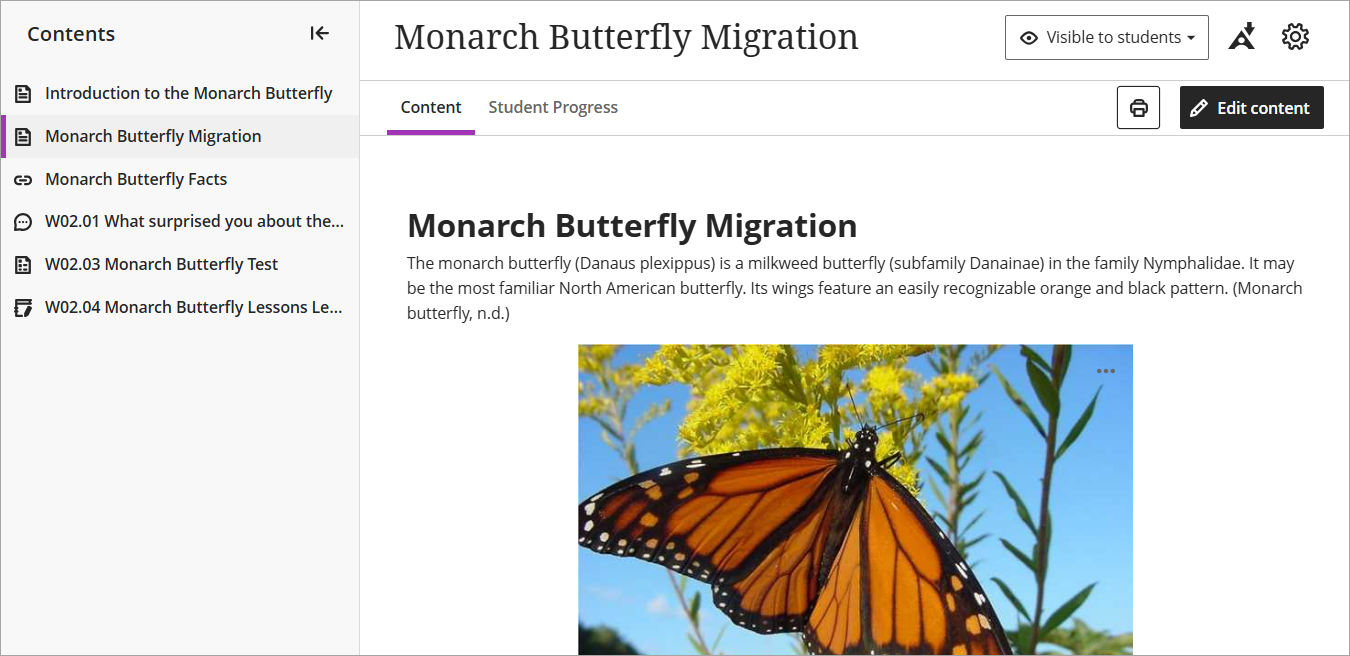
Convert a file to a native document
Instead of uploading files to your Learn.UQ (Blackboard) course, you can alternatively convert the file into an editable content block within a native document.
Benefits include seamless integration with course accessibility tools to help automate many accessibility improvements, as well as content being much easier to update and maintain without the need to delete, edit and re-upload files.
2. Check the file and improve accessibility
- Once the conversion is complete, check the document for accuracy against the original file.
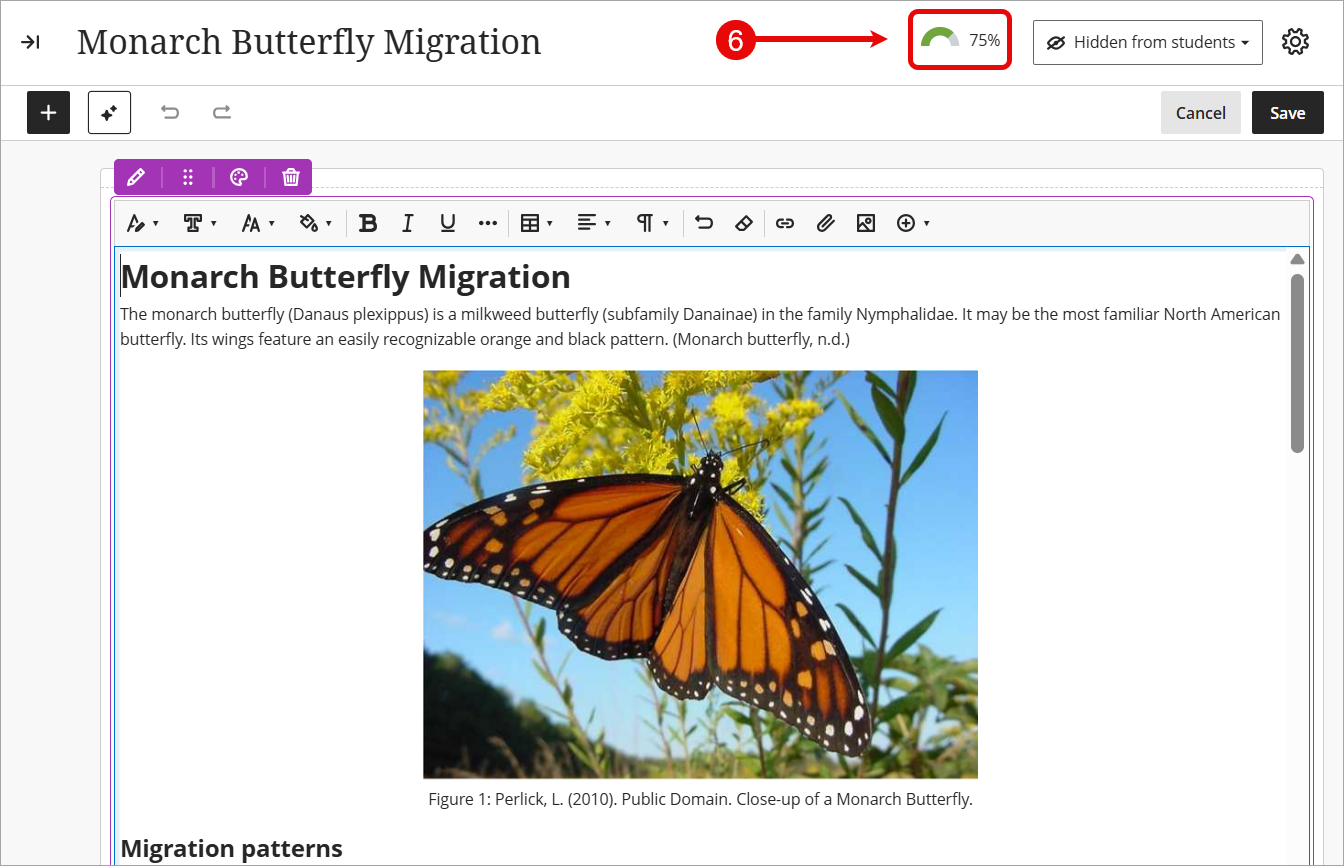
- Click on the accessibility score icon to review any accessibility issues identified with your content.
Note: It usually takes between 15 - 90 seconds for new content to be scanned and an accessibility score to be generated, however it may take longer if your document contained lots of content.
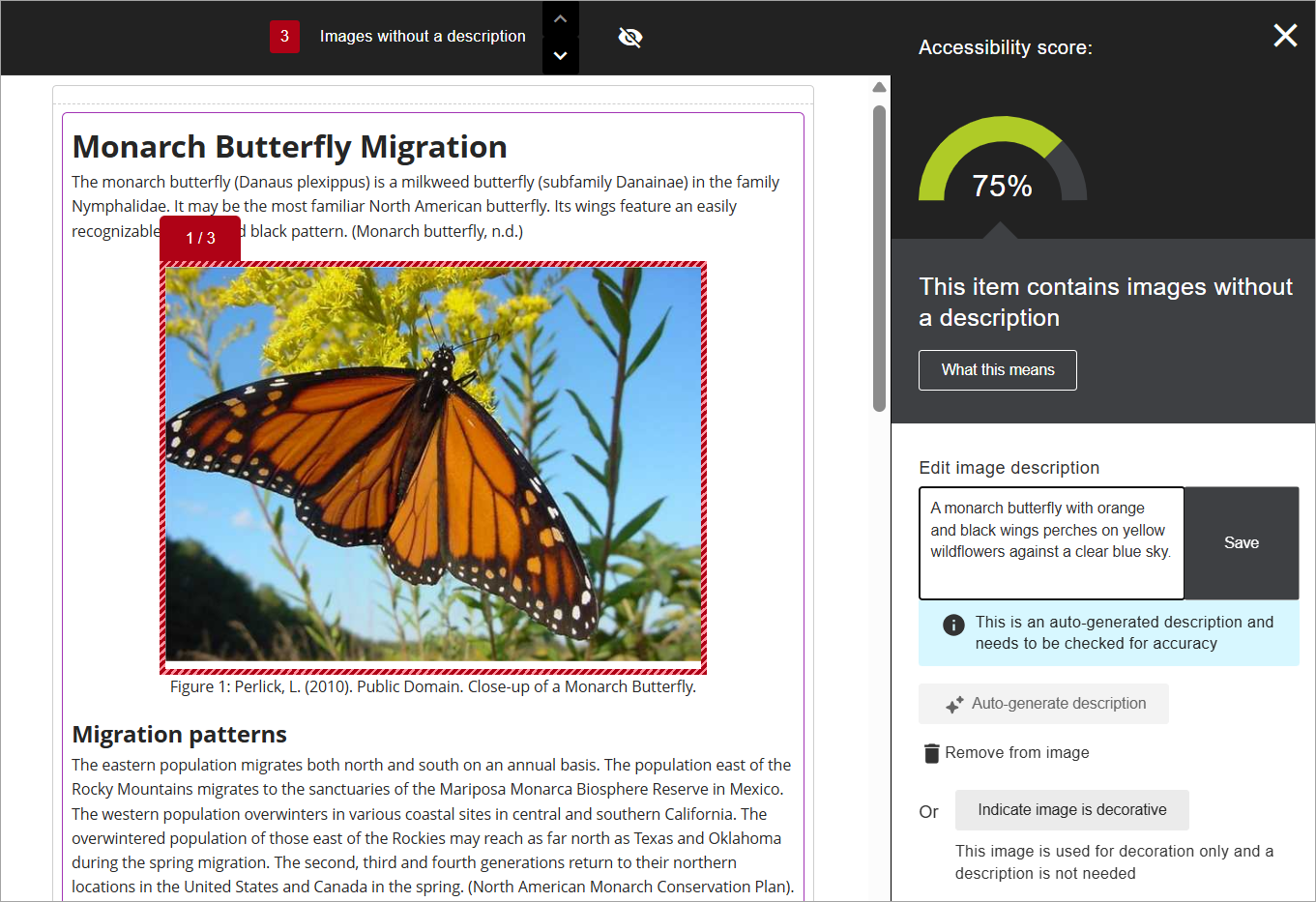
- Follow the guidance to address any accessibility issues identified with your content. For more information, refer to the Review accessibility scores and improve accessibility guide.
- Once you have checked the document and ensured it is accessible, click on the Save button.
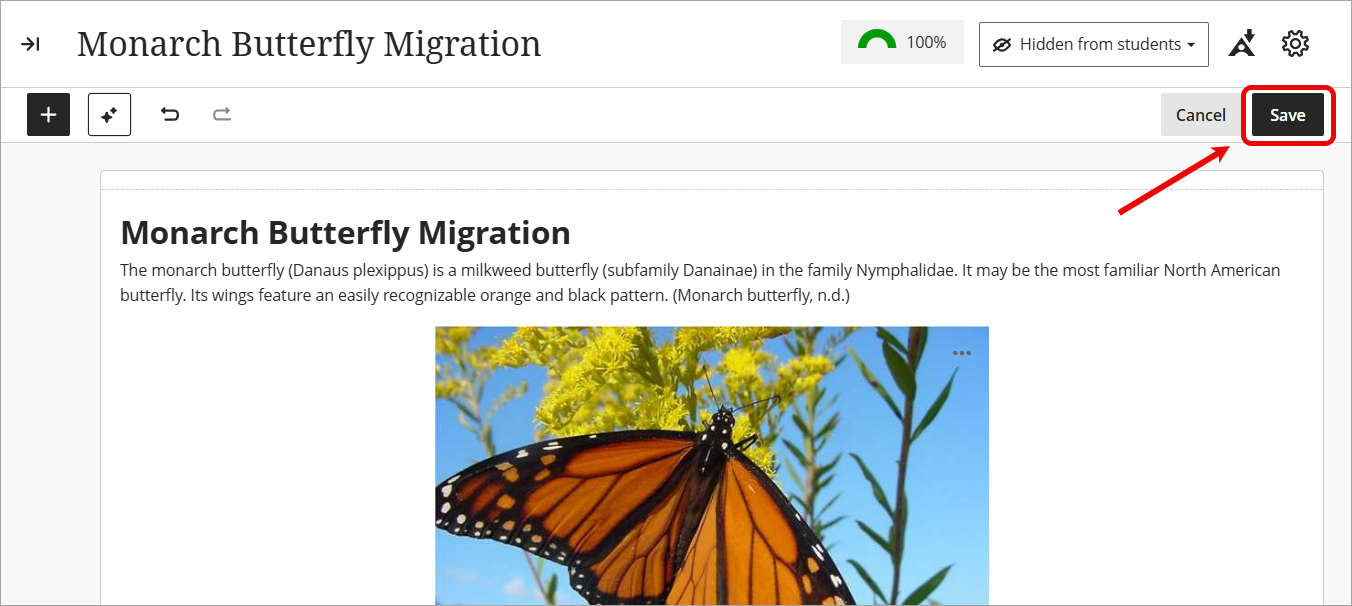
- Your file has now been successfully converted to a native document, allowing you to easily update the content without needing to delete, edit and re-upload files.
Tip: Make students aware that they can also generate alternative formats of your document including ePub, Audio, BeeLine Reader, and Immersive Reader.