Convert a file to a native document
Instead of uploading files to your Learn.UQ (Blackboard) course, you can alternatively convert the file into an editable content block within a native document.
Benefits include seamless integration with course accessibility tools to help automate many accessibility improvements, as well as content being much easier to update and maintain without the need to delete, edit and re-upload files.
1. Create a document and convert the file
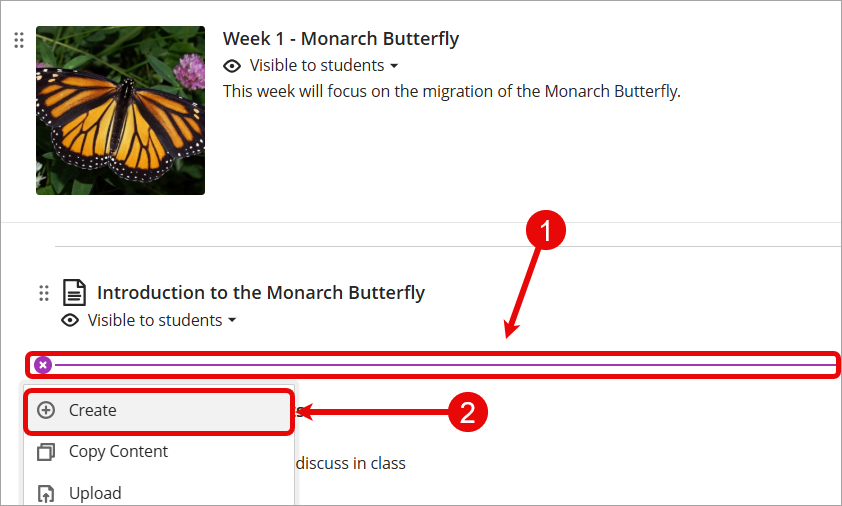
- Navigate to desired location where document is to be created.
- Click on the Add new content (+) sign.
- Select Create from the drop-down list.
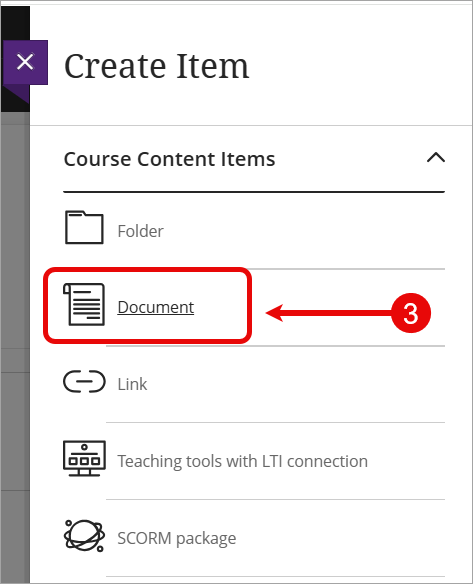
- Select Document from the Create Item menu.
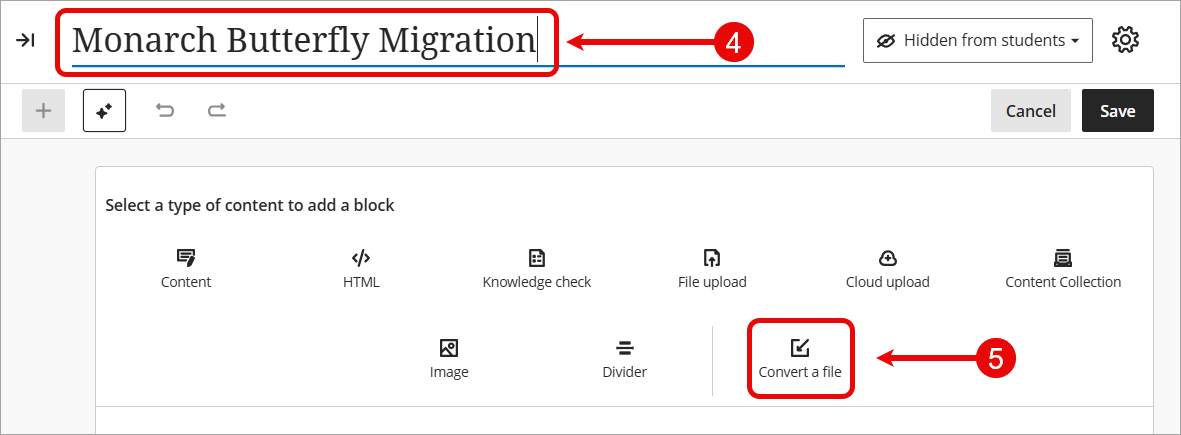
- Click on the Document Title and enter a meaningful title.
Tip: The document title will save automatically when you click anywhere else on the screen. - Select Convert a file from the content block options.
- Locate and select the file you wish you convert, then click on the Open button.
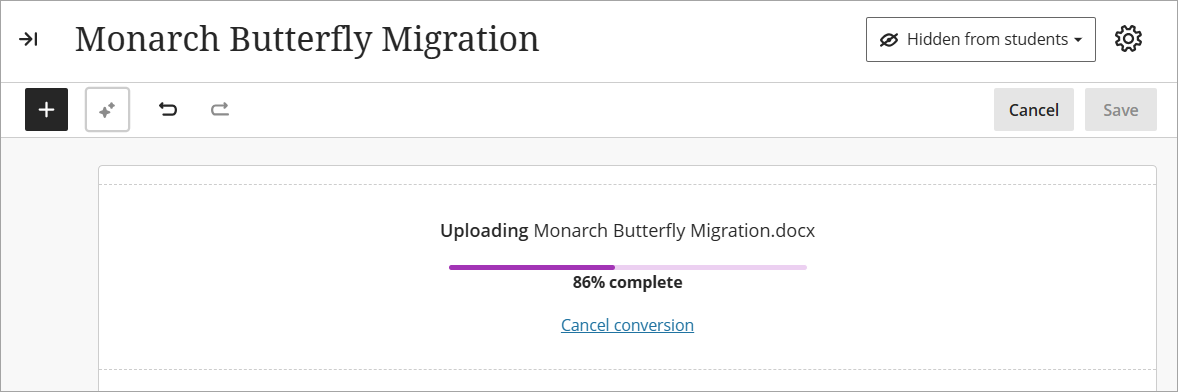
- The file will then begin the upload and conversion process.
Note: Upload and conversion time will depend on the size of the file.