
Mark Turnitin submissions by groups
Markers can now filter Turnitin submission lists by Learn.UQ (Blackboard) groups, including Allocate+ group sets. This feature makes it easier to manage and review submissions by specific course groups, such as tutorials, practical classes, or other sections.
To filter the submission list by group sets/group:
- Open the Assessment folder and navigate to the relevant Turnitin Assignment submission link.
- Select the assignment submission link to open the Turnitin Assignment Inbox to view the submission list.
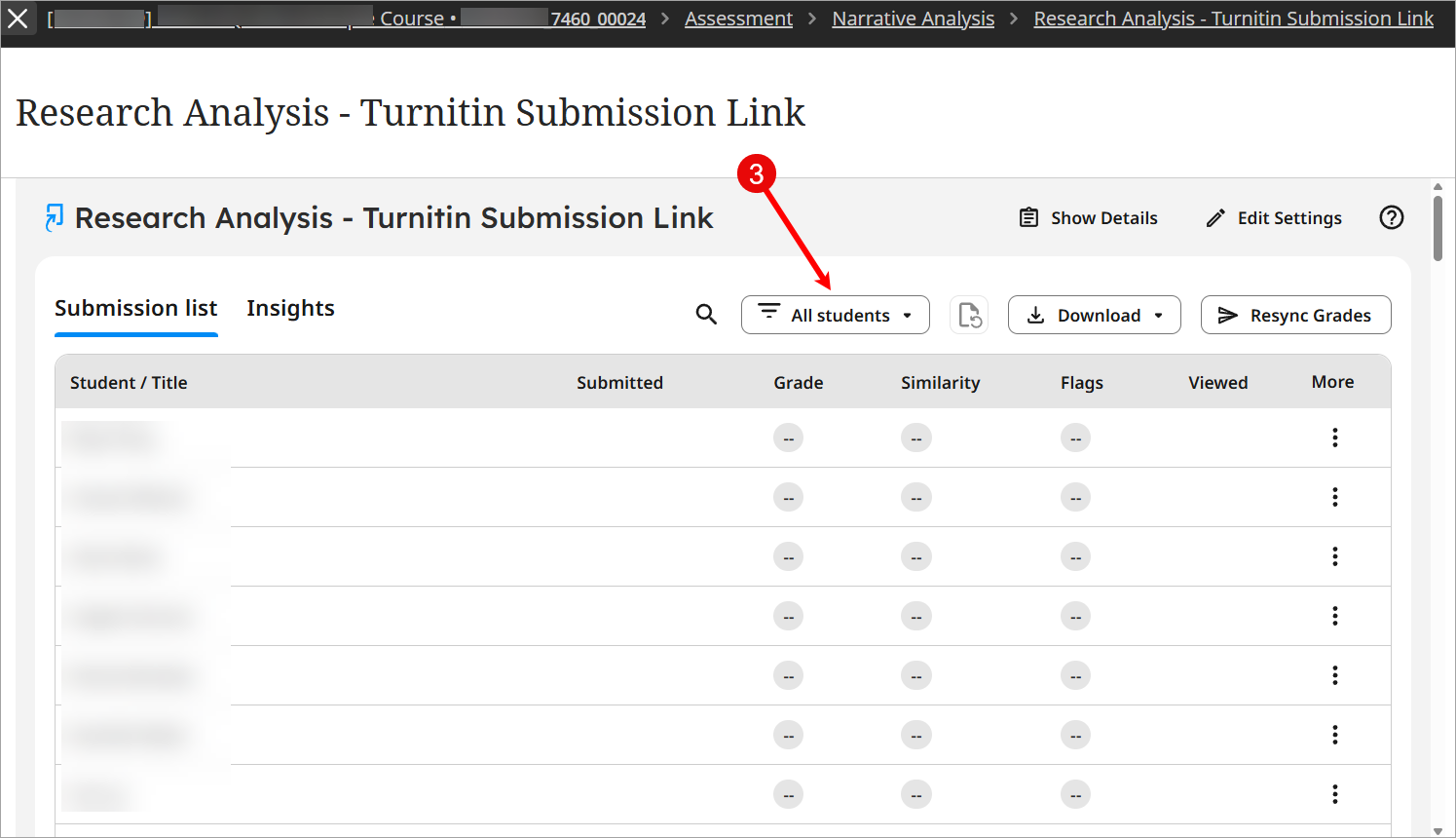
- Click on the Filter by dropdown (which currently shows as All students) at the top of the submission list to view all available groups.
- Select the group or group set you wish to mark or view
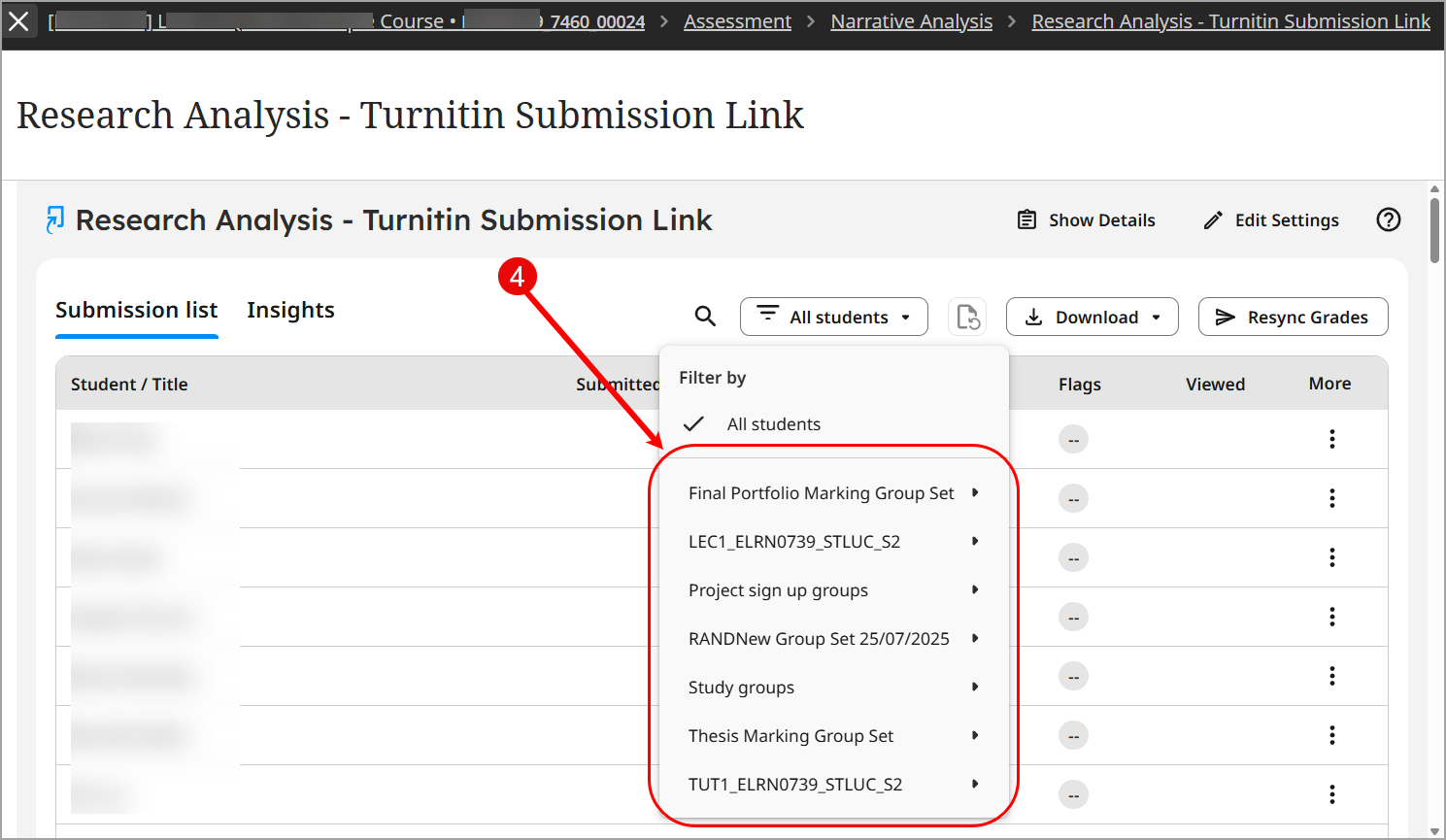
- The submission list will automatically update to display only students from the selected group.
- To return to the full submission list, click on the Filter again and select All students from the dropdown.