
Getting started with Learn.UQ (Ultra Student)
Learn.UQ (Blackboard) is the Learning Management System used to help deliver UQ courses.
Video guide
Watch the Getting started with Learn.UQ video (Echo360, 4m 40s)
5. Content: Assessment and Course Resources
Assessment
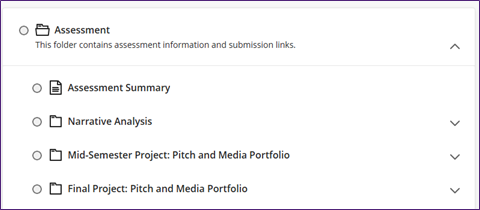
The Assessment folder should contain an Assessment Summary document with a table which provides information from the Course Profile about all assessment items.
There should also be a sub-folder for each assessment item which will contain the submission link, technical submission instructions, exemplars and other assessment information.
Course Resources
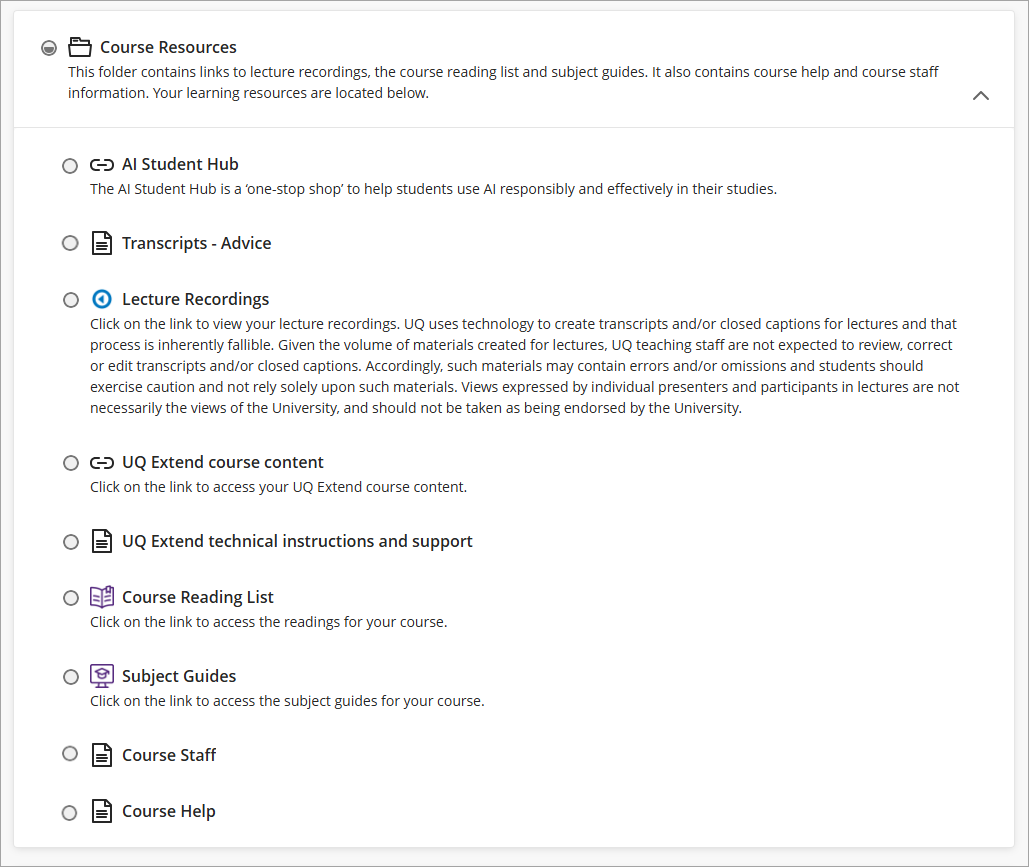
The Course Resources folder contains:
- AI Student Hub: The AI Student Hub is a ‘one-stop shop’ to help students use AI responsibly and effectively in their studies.
- Transcript – Advice: Advice on how transcripts and/or closed captions are used at UQ.
- Lecture Recordings: Course lecture recordings will be available here after they have been automatically processes (usually about 4 hours after the lecture).
- UQ Extend course content (if in use): If your course is using UQ Extend, this link will take you to UQ Extend.
- UQ Extend technical instructions and support (if in use): Contains technical instructions and support for UQ Extend.
- Course Reading List: Library tool that links you to view your course readings
- Subject Guides Link: General Library subject / discipline guide (if available for your course).
- Course Staff: Photos and information on all the course teaching staff.
- Course Help: Information and links for support services available to UQ students.
Library AskUs team
The Library AskUs team are available to provide student technical support with Learn.UQ (Blackboard) courses.