
Icons and document banners (Ultra)
Use this repository of digital assets to build your course in Ultra.
- icons for learning modules
- icons for folders
- banners as headers on a document
To download an icon or banner, right-click on the link below the image and select save link as... from the dropdown.
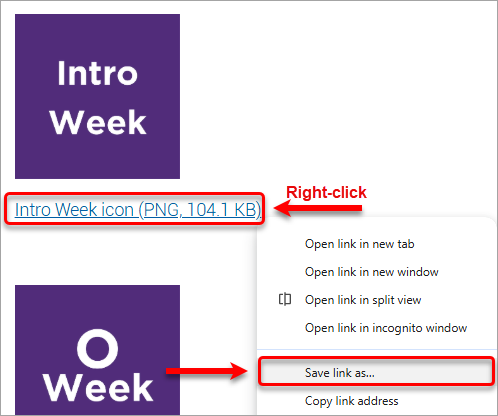
Week icons for learning modules





Module icons for learning modules


Module banners for documents

Introductory Module banner (PNG, 181.3 KB)

Module 1 banner (PNG, 158.3 KB)

Module 2 banner (PNG, 162.9 KB)

Module 3 banner (PNG, 162.8 KB)

Module 4 banner (PNG, 160.7 KB)

Module 5 banner (PNG, 162.7 KB)

Module 6 banner (PNG, 165.6 KB)

Module 7 banner (PNG, 160.7 KB)

Module 8 banner (PNG, 166.1 KB)


Module 10 banner (PNG, 168 KB)

Module 11 banner (PNG, 158.8 KB)

Module 12 banner (PNG, 164.6 KB)

Module 13 banner (PNG, 164.1 KB)





Lecture icons for learning modules


Tutorial icons for learning modules


Tutorial 2 icon (PNG, 35.9 KB)

Tutorial 3 icon (PNG, 34.7 KB)

Tutorial 4 icon (PNG, 32.3 KB)

Tutorial 5 icon (PNG, 35.8 KB)

Tutorial 6 icon (PNG, 39.9 KB)

Tutorial 7 icon (PNG, 33.7 KB)

Tutorial 8 icon (PNG, 40.6 KB)

Tutorial 9 icon (PNG, 40.2 KB)

Tutorial 10 icon (PNG, 40.4 KB)

Tutorial 11 icon (PNG, 28.4 KB)

Tutorial 12 icon (PNG, 36.7 KB)


Workshop icons for learning modules
Intro Workshop icon (PNG, 98.5 KB)
Workshop 1 icon (PNG, 89.3 KB)
Workshop 2 icon (PNG, 100.9 KB)
Workshop 3 icon (PNG, 98.6 KB)
Workshop 4 icon (PNG, 96.3 KB)

Workshop 5 icon (PNG, 99.7 KB)

Workshop 6 icon (PNG, 105.4 KB)

Workshop 7 icon (PNG, 98.8 KB)

Workshop 8 icon (PNG, 105.8 KB)

Workshop 9 icon (PNG, 105.7 KB)

Workshop 10 icon (PNG, 105.9 KB)


Workshop 12 icon (PNG, 101.8 KB)
Topic icons for learning modules


- Add a Content block to document (Ultra)
- Add a HTML block to a document (Ultra)
- Add a Knowledge check block to a document (Ultra)
- Add a file to a document (Ultra)
- Add an Image block to a document (Ultra)
- Add assessment technical submission instructions (Ultra)
- Add block styling to a document (Ultra)
- Arranging course content on a document (Ultra)
- Assessment summary (Ultra)
- Convert a file to a native document
- Copy course content (Ultra)
- Course template (Ultra)
- Create a Small File Size (Ultra)
- Create a document (Ultra)
- Create a folder (Ultra)
- Create a link (Ultra)
- Create learning module (Ultra)
- Move course content (Ultra)
- Overview of Text Editor Tools (Ultra)
- Understanding Download Speeds (Ultra)