
Access Microsoft Bookings (Ultra)
- Go to the UQ Bookings app. Note:
- There might be some delay after you have been added to the booking system.
- The first teaching staff member listed in the Learn.UQ course is automatically added to the course booking page. This staff member will need to add themself to the course booking page with the Administrator role, and add the remaining members of the teaching team if required.
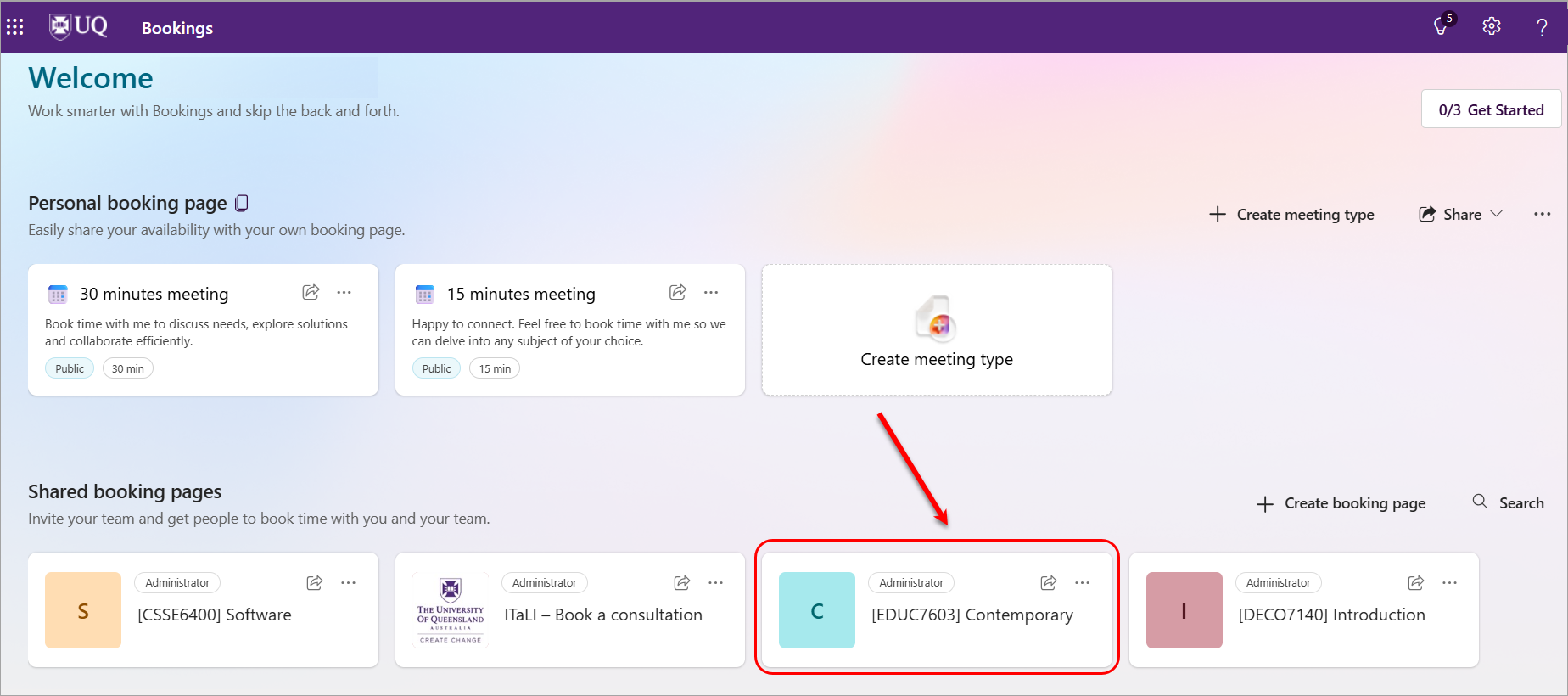
- Click on your course's booking page.
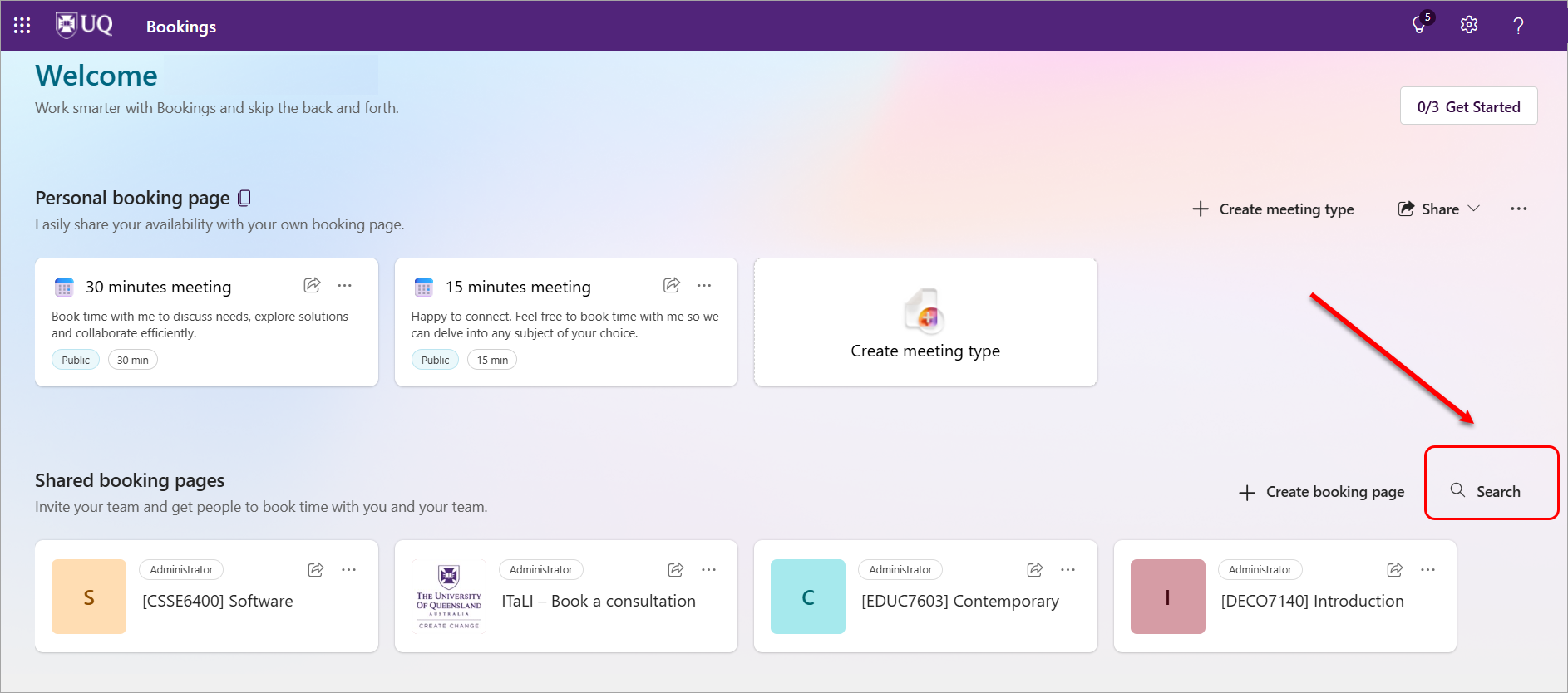
- If you do not see the required course (because you are enrolled in multiple courses), click on the Search button.
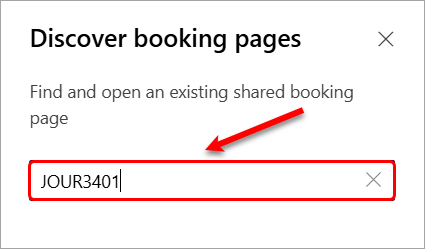
- Enter your course code in the search box, then press Enter on your keyboard.
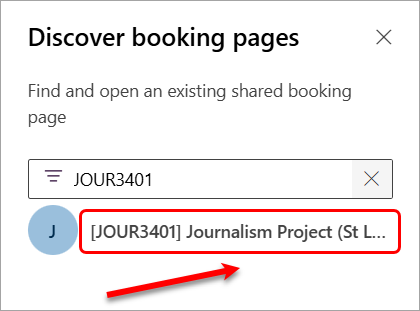
- Click on the course link.
- Your course's booking page will be displayed.
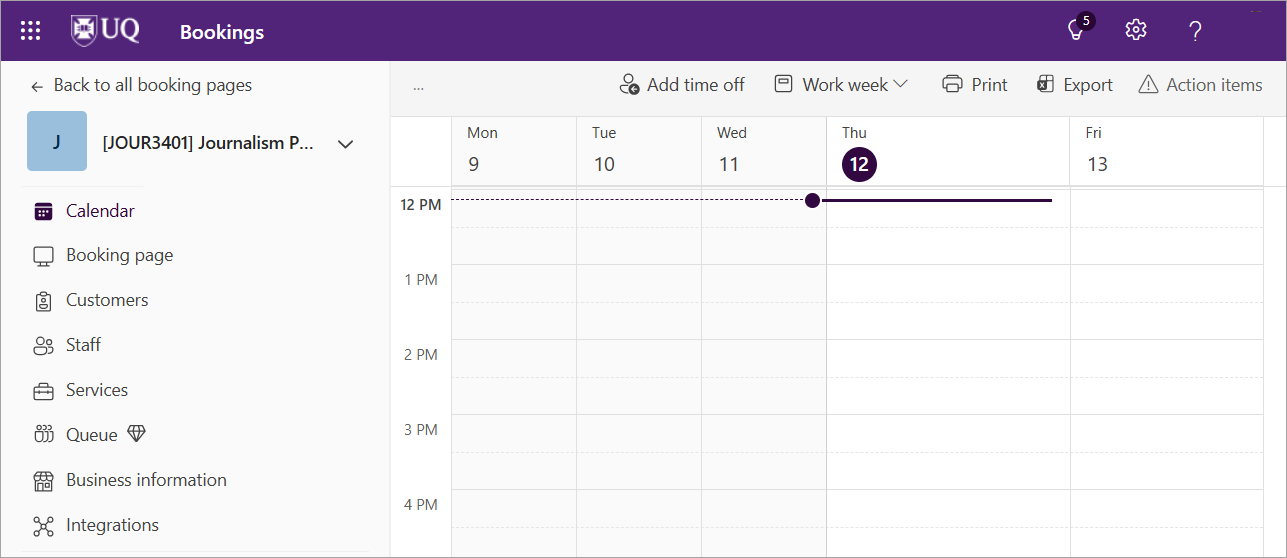
Please refer to the following guides to set up your course's Microsoft Bookings page: