Create a Buddycheck Points division peer evaluation (Ultra)
Why would I use a Points division peer evaluation?
A Points division peer evaluation using Buddycheck allows students to rate their peer's performance across a series of questions by dividing a set number of points (default is 100) amongst the group members, providing staff with insights into how individual students have performed within their group.
Once the peer evaluation is completed and the results have been moderated, a coordinator can apply an Adjustment Factor (multiplier) against a group's assessment mark in Gradebook.
Warning: To prevent Buddycheck results from being automatically released when published to the Gradebook, ensure you select the option to create a Gradebook column during the initial setup so that the column can be hidden from students after setup.
7. Advanced options and Create evaluation
Open Advanced options
Click on Show advanced options.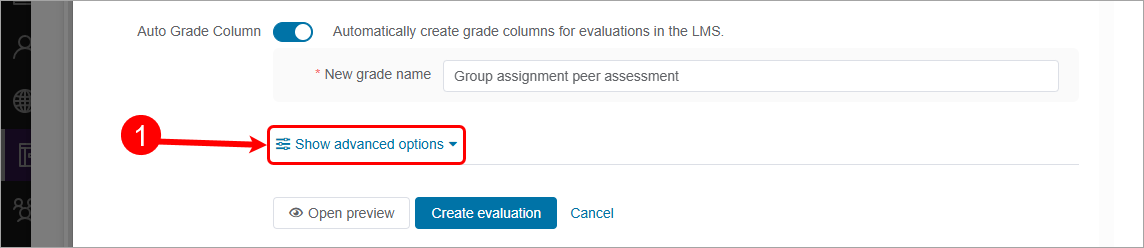
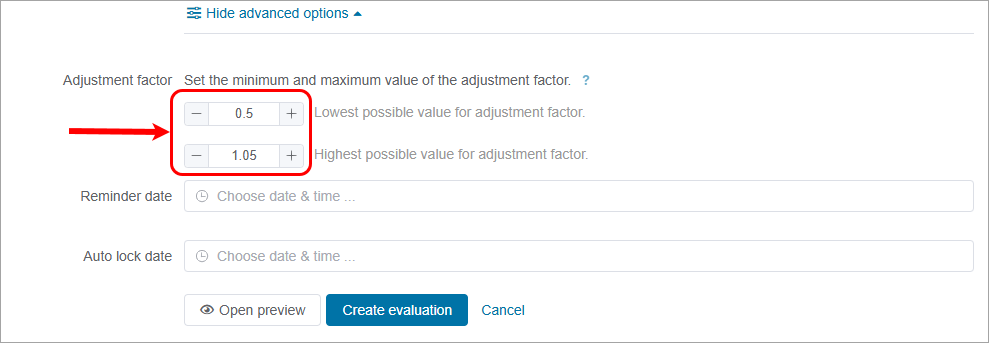
Adjustment factor
You can set the minimum and maximum values for the Adjustment factor that will be used in the calculation.
Example
A group got 30 out of 40 marks for the group assignment. Student A received an adjustment factor of 1.05 and Student B received an adjustment factor of 0.5. Their group score of 30 is multiplied by their individual factors.
Student A total: 30 x 1.05 = 31.5
Student B total: 30 x 0.5 = 15
The Adjustment factor can be raised or lowered using the - (Minus) or + (Plus) buttons, alternatively click in the textbox and type in a value.
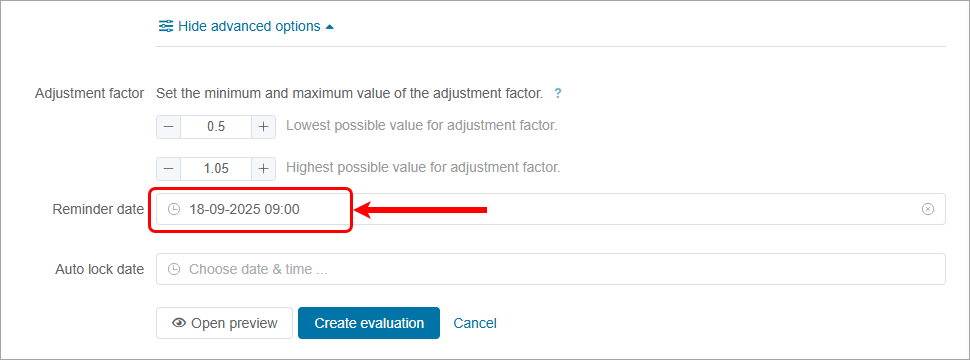
Reminder date
You can set an automatic reminder date for students. eLearning recommends a reminder date the day before your due date, ensuring you set the time to be in business hours.
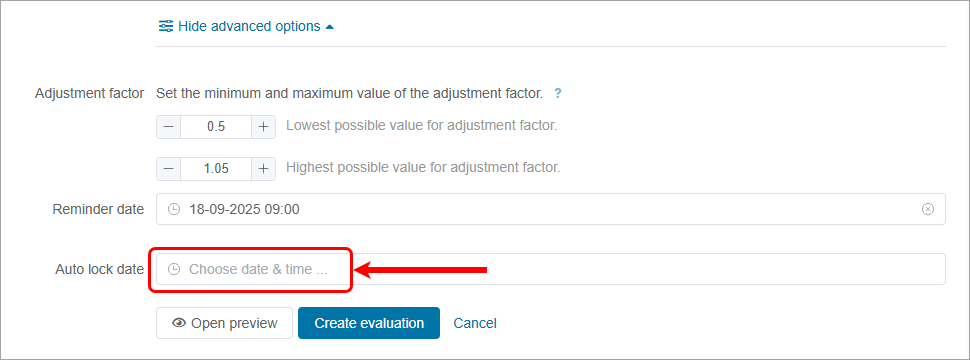
Auto Lock date
It is recommended that you not use an auto-lock date to avoid being locked out of the peer assessment. The peer assessment should instead be locked manually after moderation is complete.
Create evaluation
- Click on the Open preview button to preview the entire Peer assessment.
- Click on the Create evaluation button to finalise the setup.
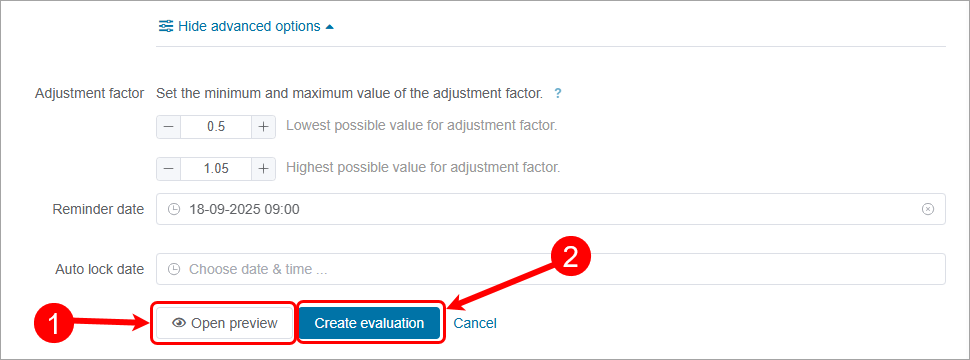
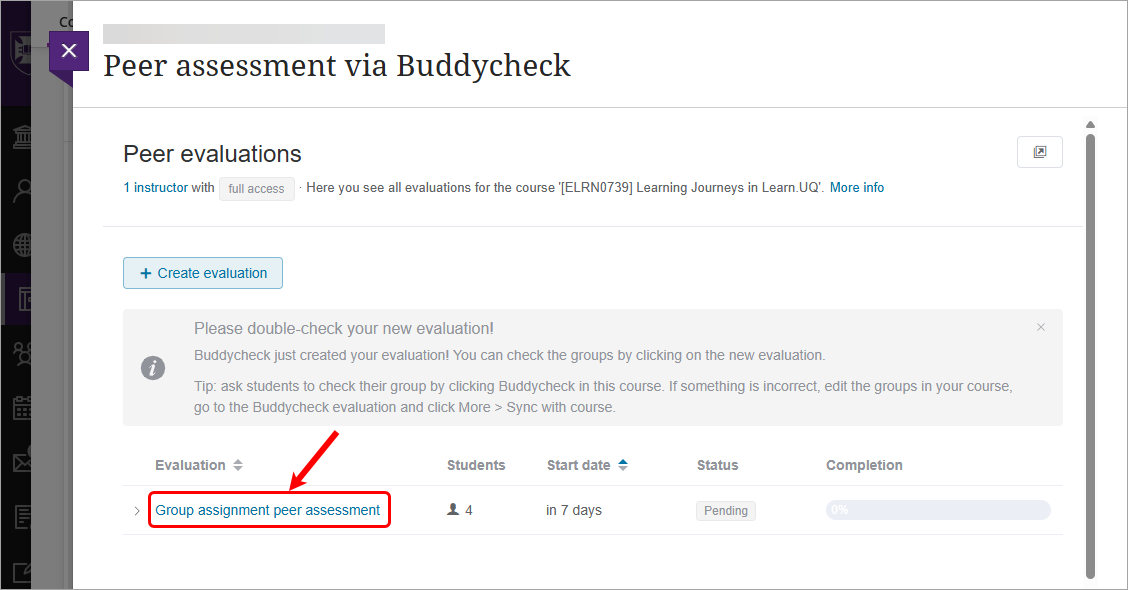
- Peer assessment will be created.