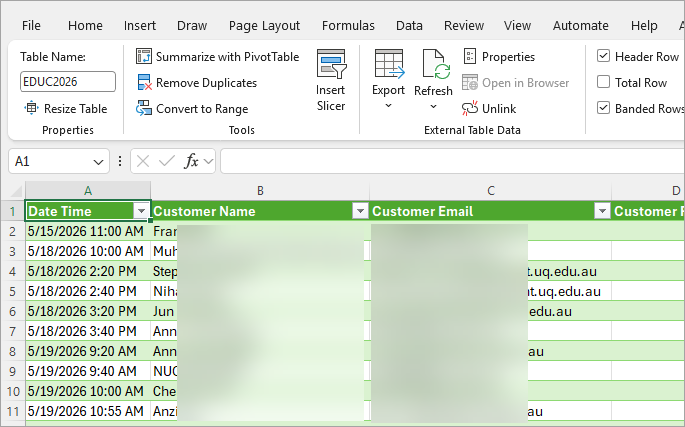
Download student bookings
You can download student bookings to have an overview of how many bookings students have made.
- Access your course's Microsoft Bookings page from the UQ Bookings app.
- Click on the Export button.
Make sure you are on the Calendar tab on the service menu.

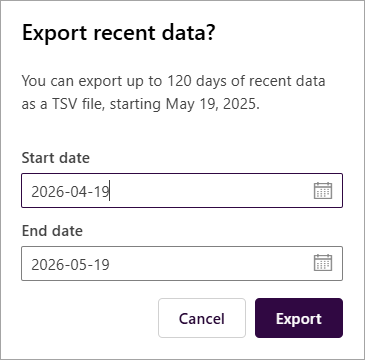
- Select a relevant date range.
- Click on the Export button.
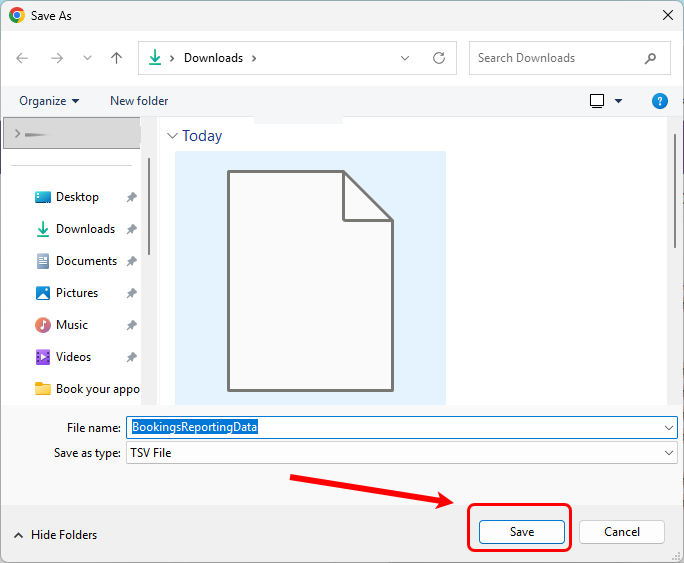
Click on the Save button to save the file to your designated folder. The default file name is BookingsReportingData; however, you may rename it to your course code if that is more appropriate.
The file type is TSV (tab-separated values). If your device does not have a relevant app to open the file, you will see:
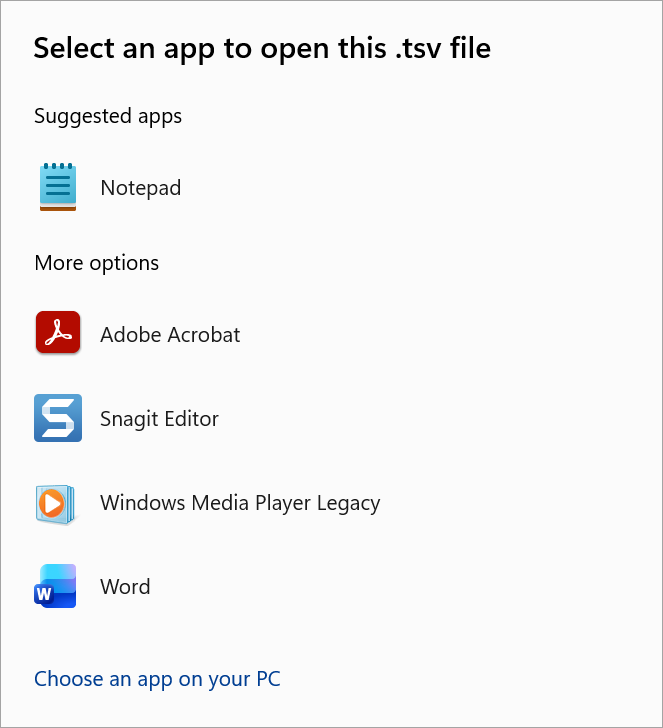
You can convert the file to an Excel spreadsheet for easier access, following the steps below.
Convert TSV to Excel spreadsheet
- Open the Excel app on your device.

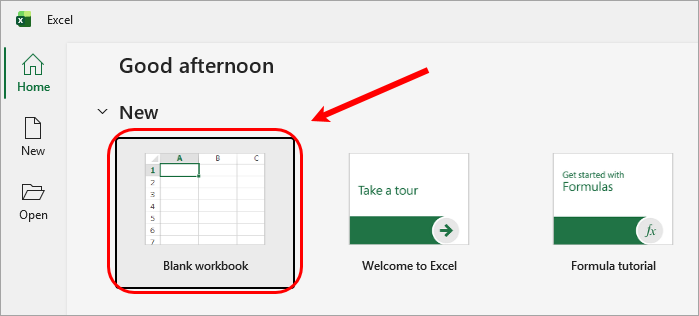
- Open a blank Excel file.
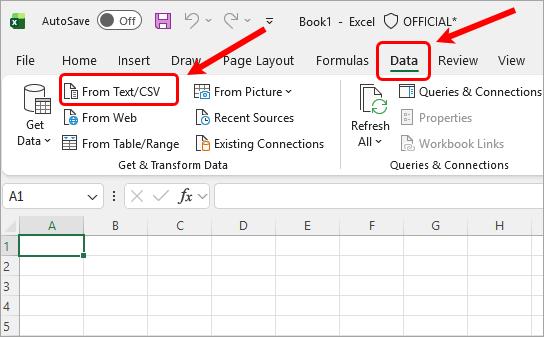
- Click on the Data tab.
- Click on the From Text/CSV tab.
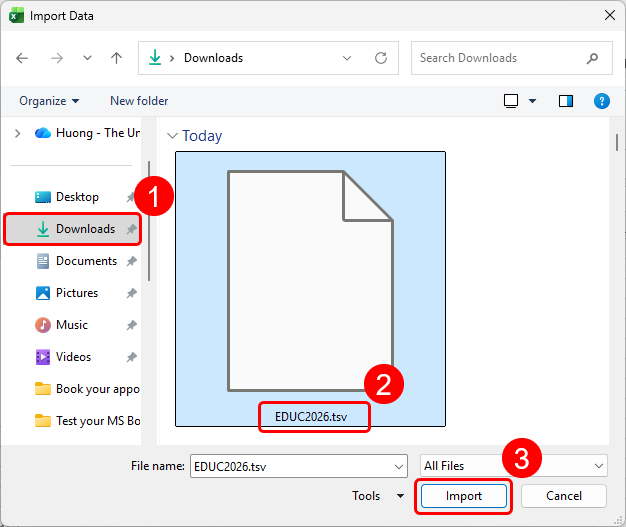
- Change the option Text Files to All Files.

- Select the file you downloaded from the Booking page. Click on the Import button.
- Click on the Load button.
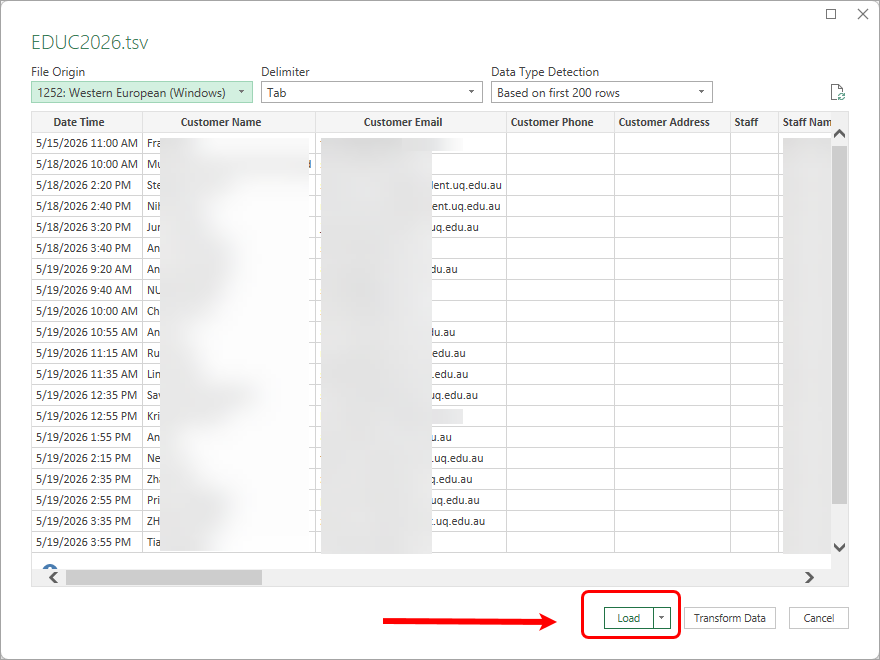
- The Excel file with all data is available for you. You can Save as the file in your relevant location.