Submit a video assignment with EchoVideo (Ultra Student)
Important: DO NOT delete an EchoVideo file that you have submitted as part of an assignment. This will make the file unavailable for marking by your instructor.
EchoVideo is a video server and is used by staff and students to store videos and audio files. The same system is used to record and publish lecture recordings.
For step-by-step instructions on how to record your video or audio assignment, refer to the Record video or audio through EchoVideo guide.
For information on the recommended video upload settings, refer to the Video Content Recommendations guide.
2. Access EchoVideo
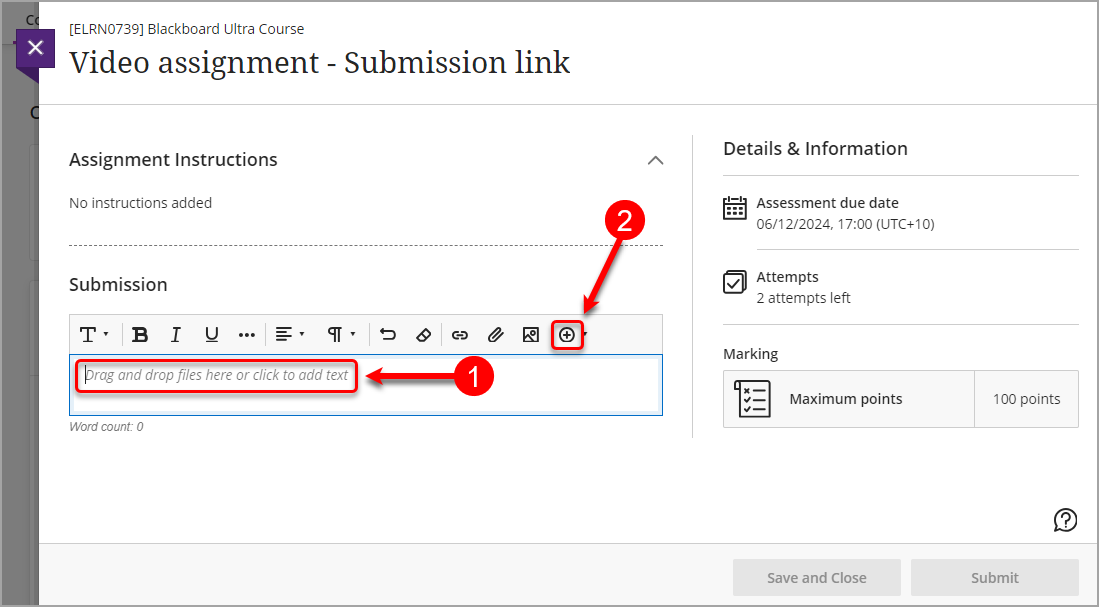
- Click on Drag and drop files here or click to add text to display the text editor.
- Click on the Insert content (+) button.
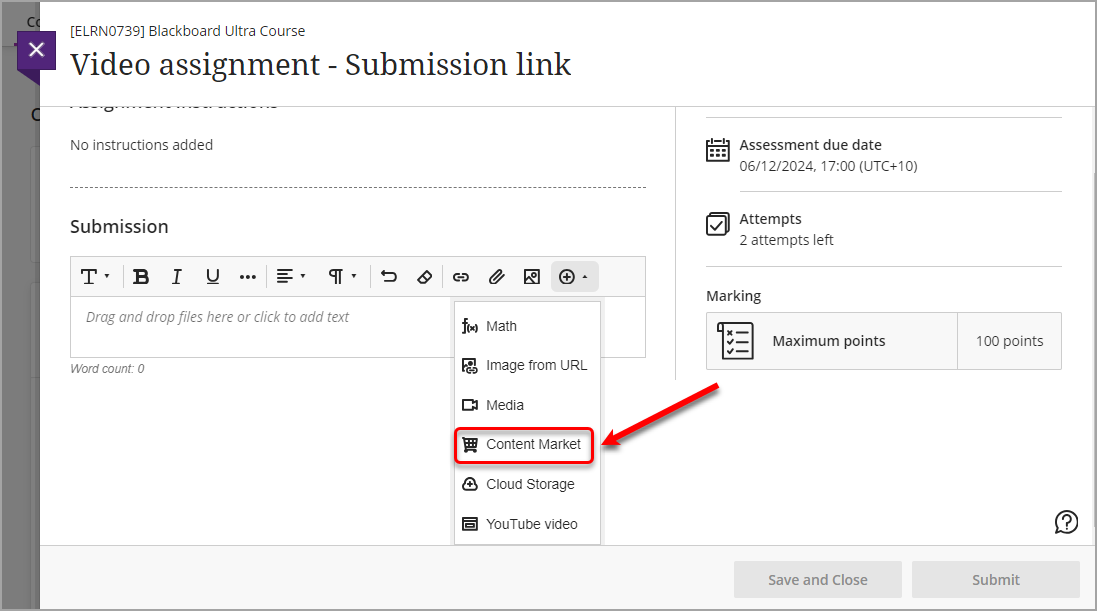
- Select Content Market from the drop-down list.
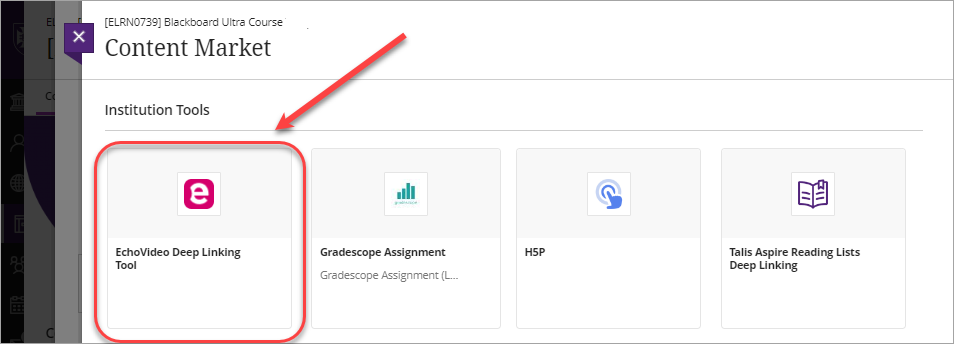
- Select the EchoVideo Deep Linking Tool.