Record video or audio through EchoVideo (Ultra Student)
1. Log in to EchoVideo
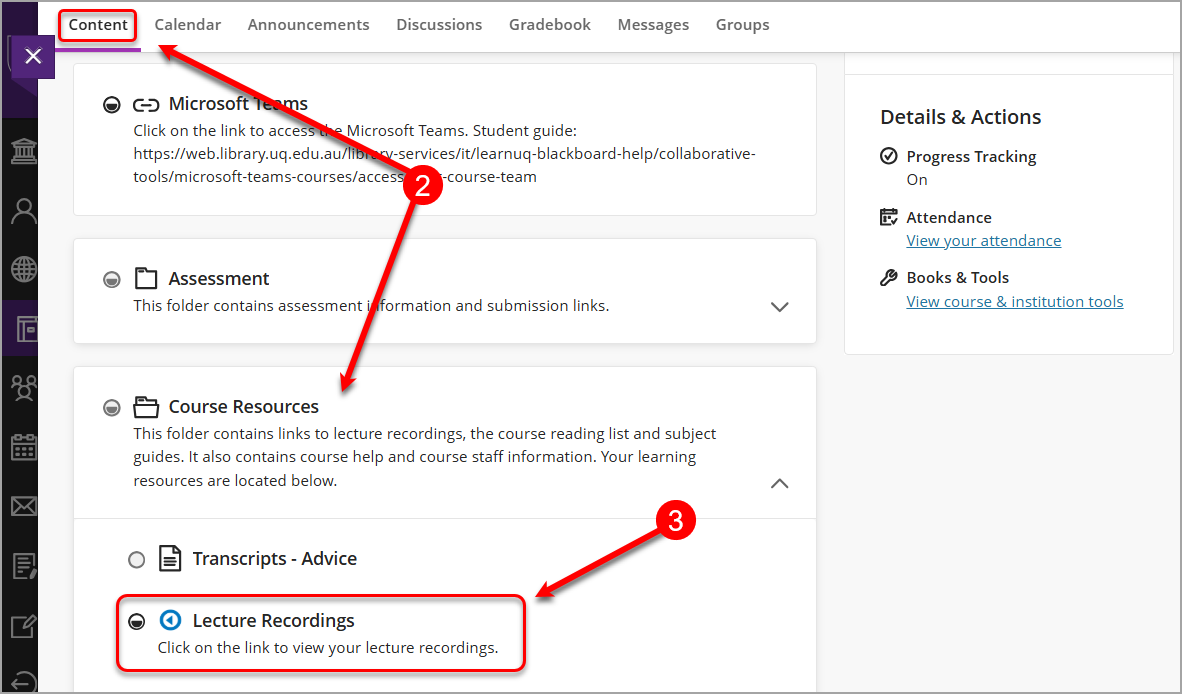
- Go to any of your courses in Learn.UQ (Blackboard).
- From the Content page, select Course Resources.
- Select Lecture Recordings.
- Click on the EchoVideo logo.
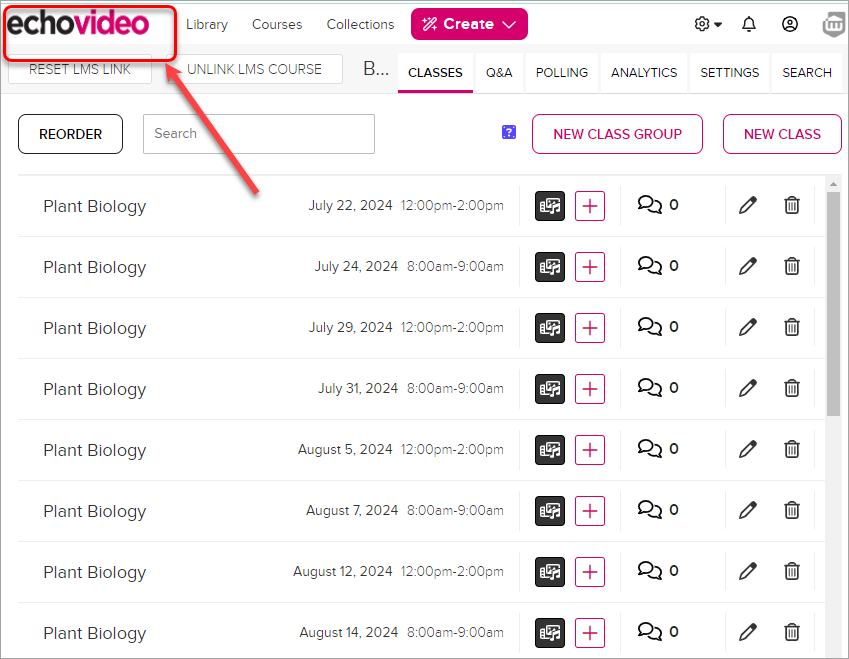
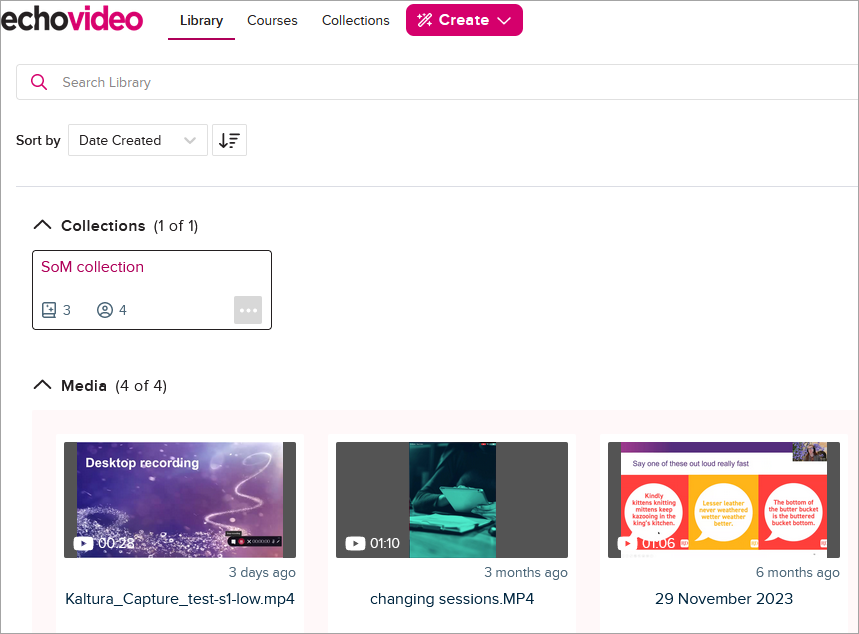
- You will be directed to your EchoVideo account.
Note:
If your course does not use Lecture Recording, you can still access EchoVideo through activities where you can create content (such as a Discussion post).
To access EchoVideo:
- Open an activity where you can add content (e.g., a Discussion).
- In the text editor, click the + (plus) icon.
- Select Content Market.
- Choose the EchoVideo Deep Linking Tool.
If this is your first time using EchoVideo and you do not yet have an account, you will be prompted to create one.
