Create a Gradescope Assignment (Homework / Problem Set) (Ultra)
This guide will walk you through the process of setting up a Gradescope Assignment (Homework / Problem Set) for the submission of students' scanned handwritten assessment.
Note: Gradescope uses US naming conventions for academic terms and will default to the current North American term time. Requests have been made with the vendor to provide Australian terms but in the meantime, staff and students can simply ignore the term name and refer only to the course name.
10. Edit assignment submission link
It is recommended that you edit the assignment submission link so it opens in a new window and you replace the default text under the link.
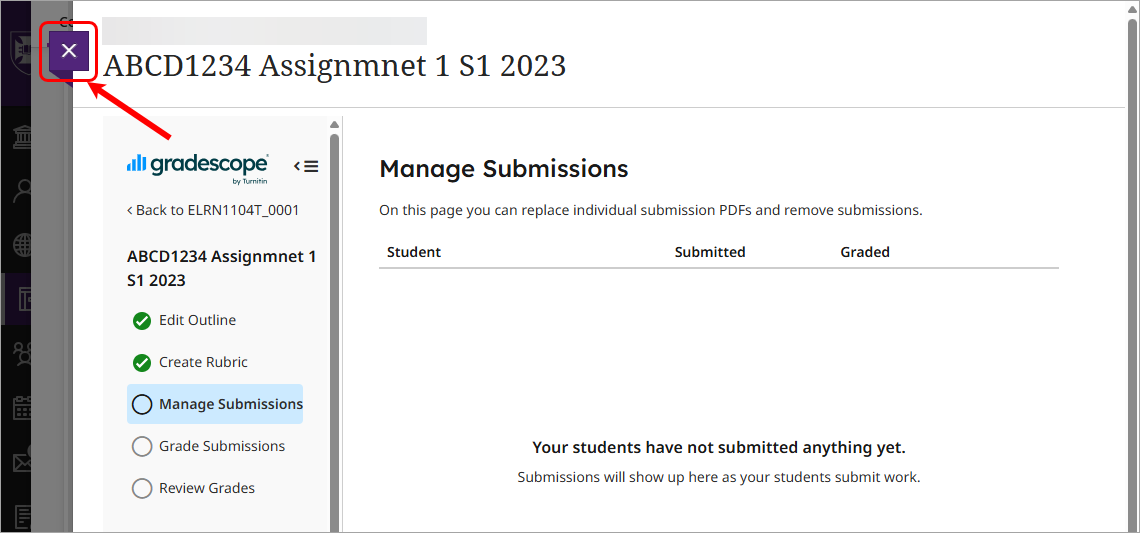
- Click on the Close (X) button.
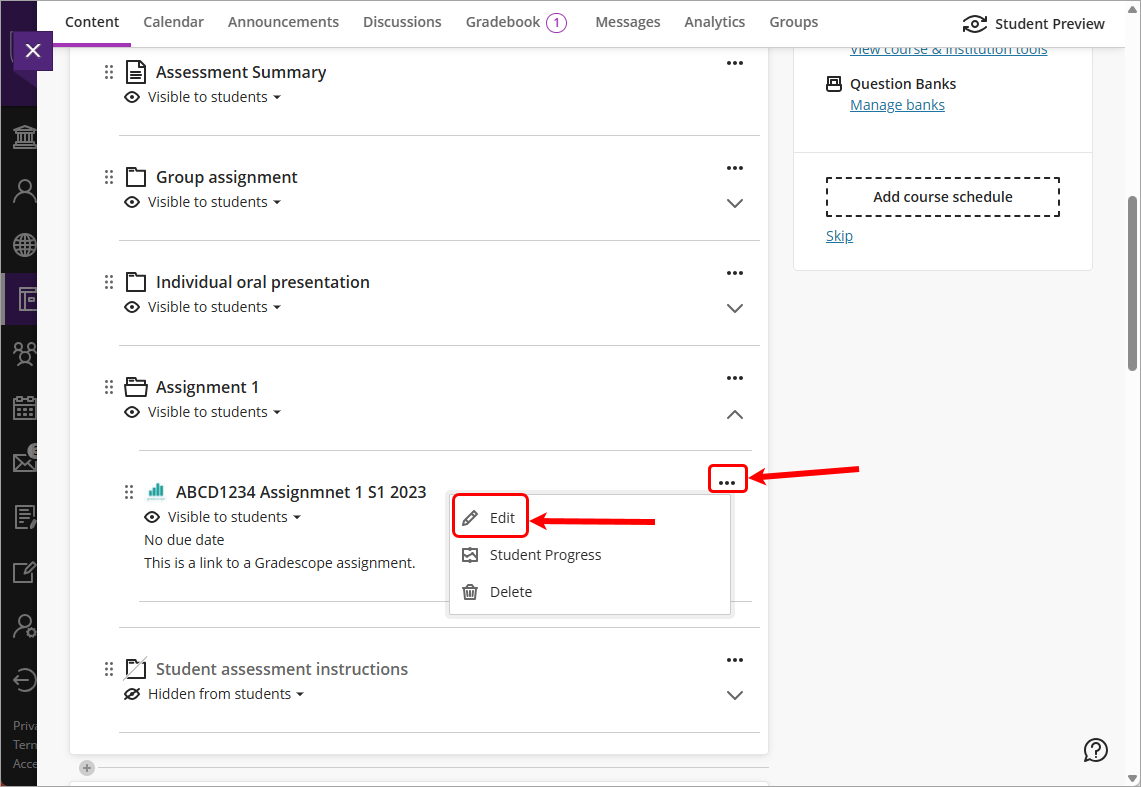
- Click on the More options for [name of Gradescope assessment] elipsis (3 dots) button and select Edit from the drop-down list.
- Check the Open in new window checkbox.
- Click on the Maximum points textbox and update the point value.
Note: that you do not need to enter a due date on the link as the due date is already set inside Gradescope.
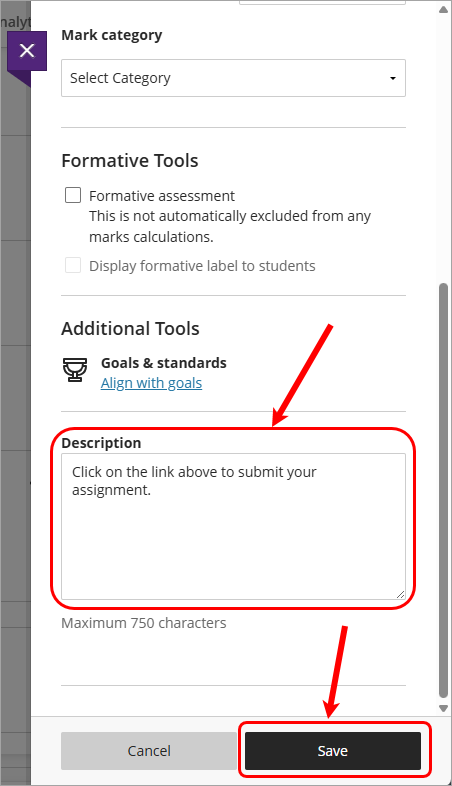
- Replace the default Description with the text Click on the link above to submit your assignment.
- Click on the Save button.