Course Accessibility Report (Ultra)
What is the Course Accessibility Report?
To drive accessibility improvements at a course level, staff enrolled in the course as an Instructor, Teaching Assistant or Course Builder have access to an interactive Course Accessibility Report to help identify major recurring issues and assist in addressing them moving forward. For more information, refer to the Course Accessibility Report and Accessibility Scores guides by Anthology.
Warning: The Course Accessibility Report is currently flagging embedded Echo360 videos as This item contains links with missing text. Please disregard this and do not proceed with any of the suggested remediation options.
1. Access the Course Accessibility Report
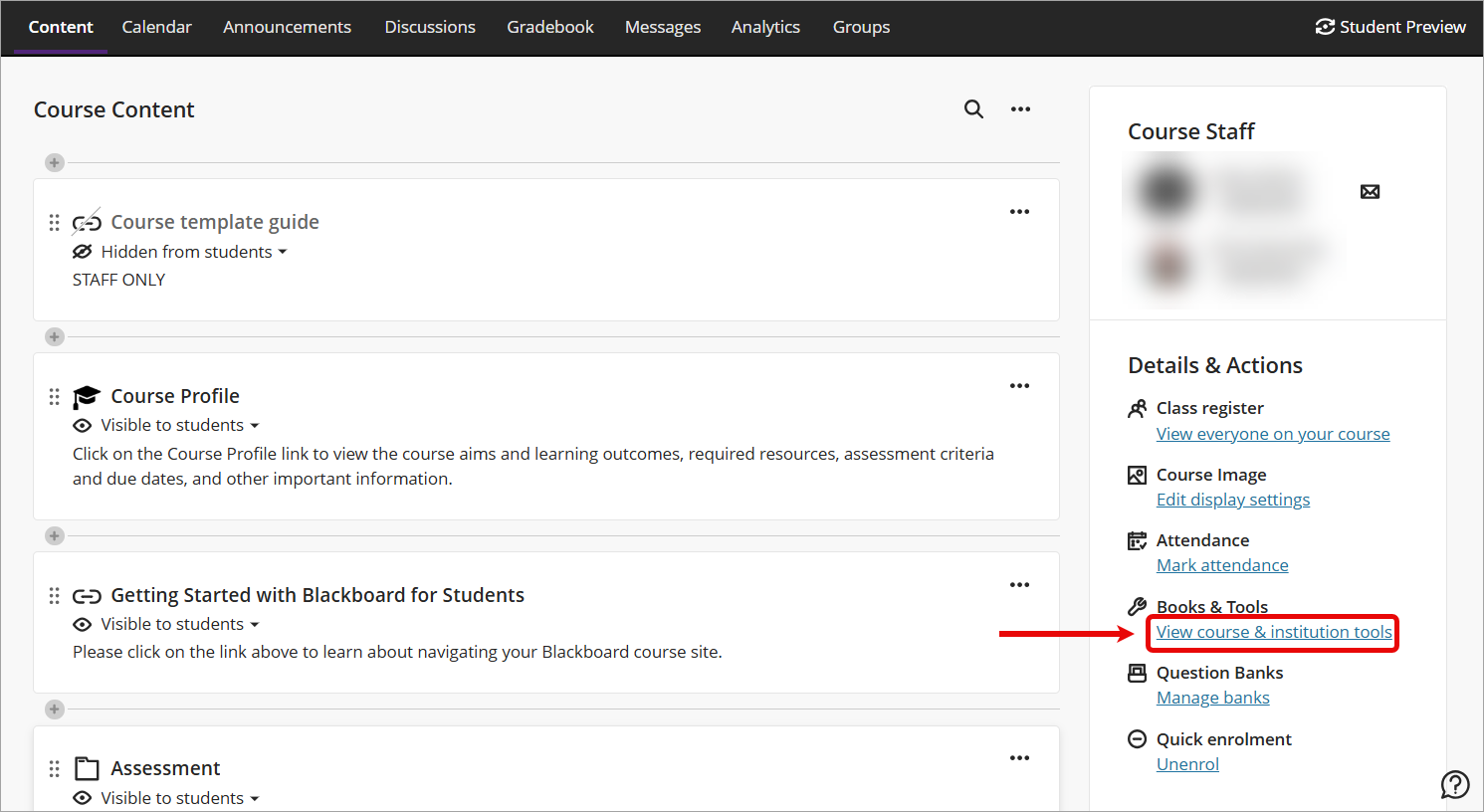
- Access your Learn.UQ course and locate the Details & Actions panel.
- Under Books & Course Tools, select View course & institution tools.
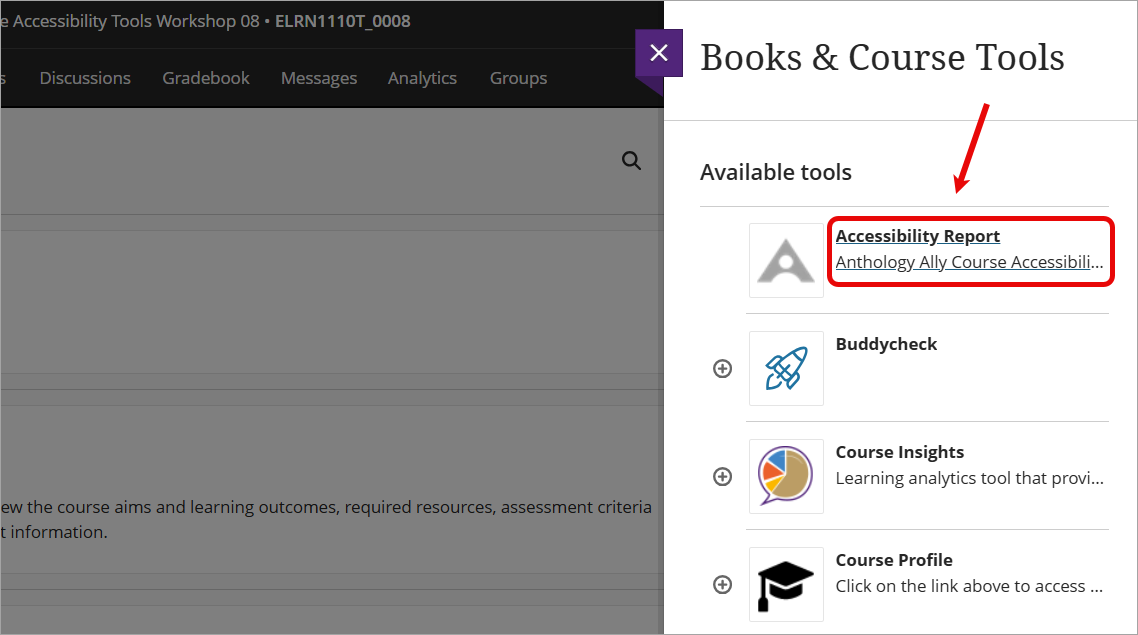
- Select Accessibility Report from the list to launch the course accessibility report.