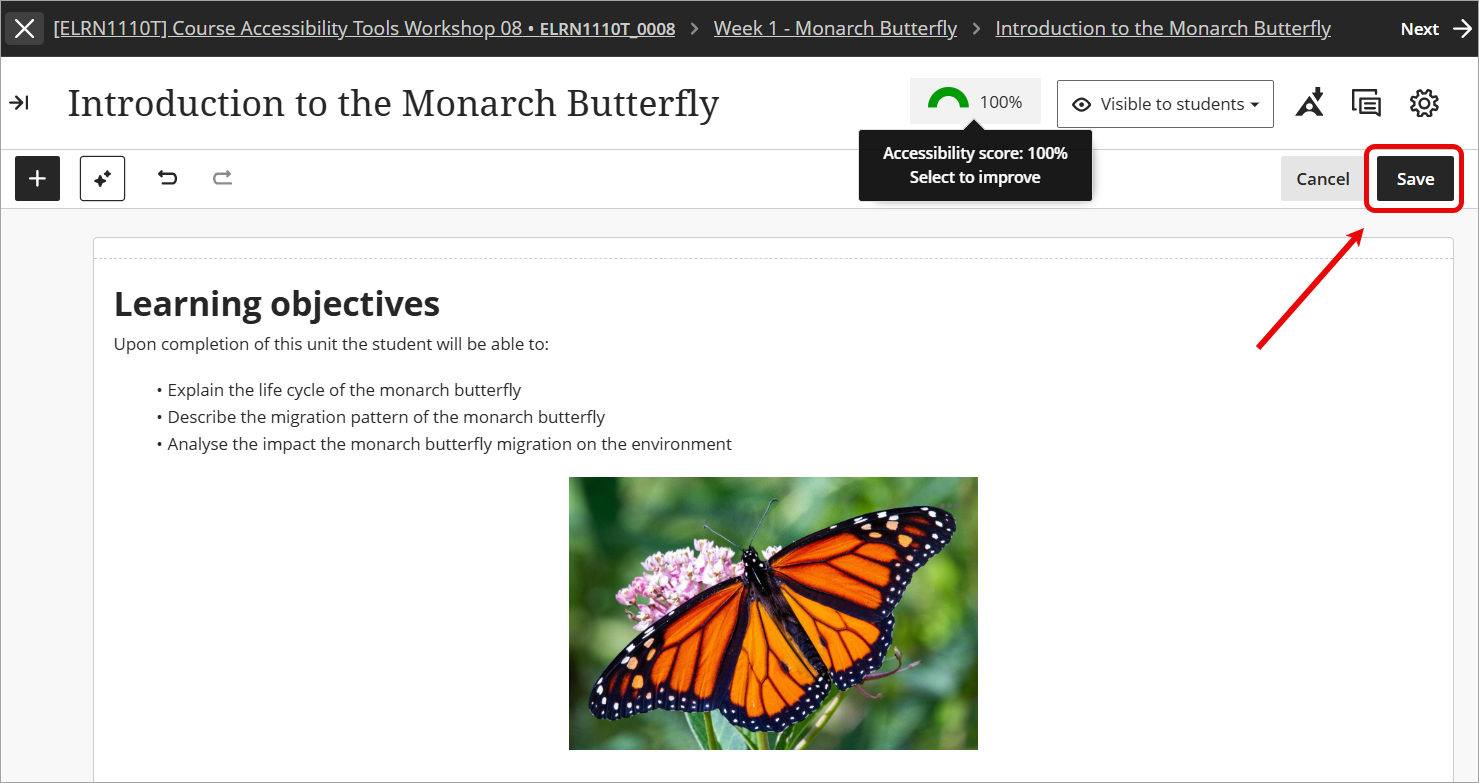
Review accessibility scores and improve accessibility (Ultra)
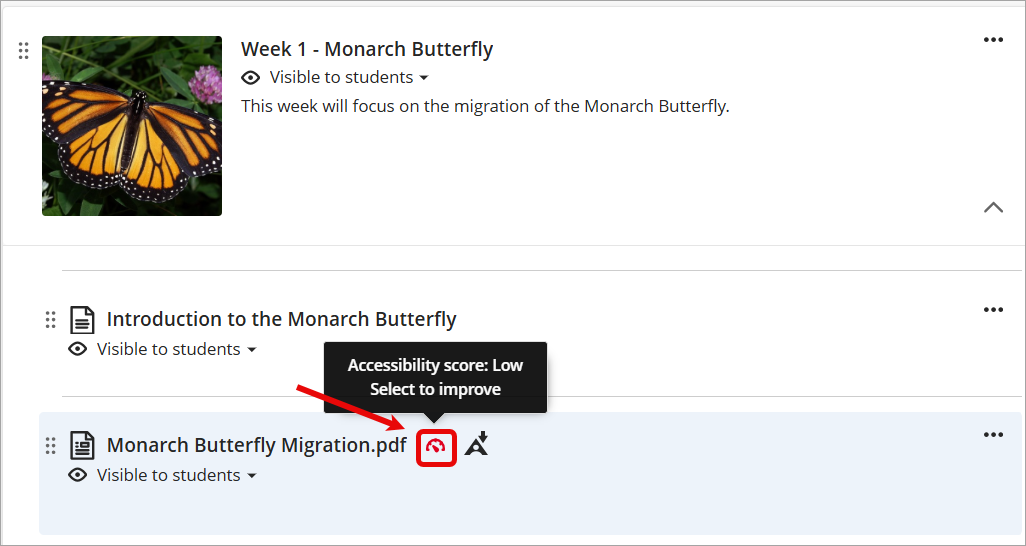
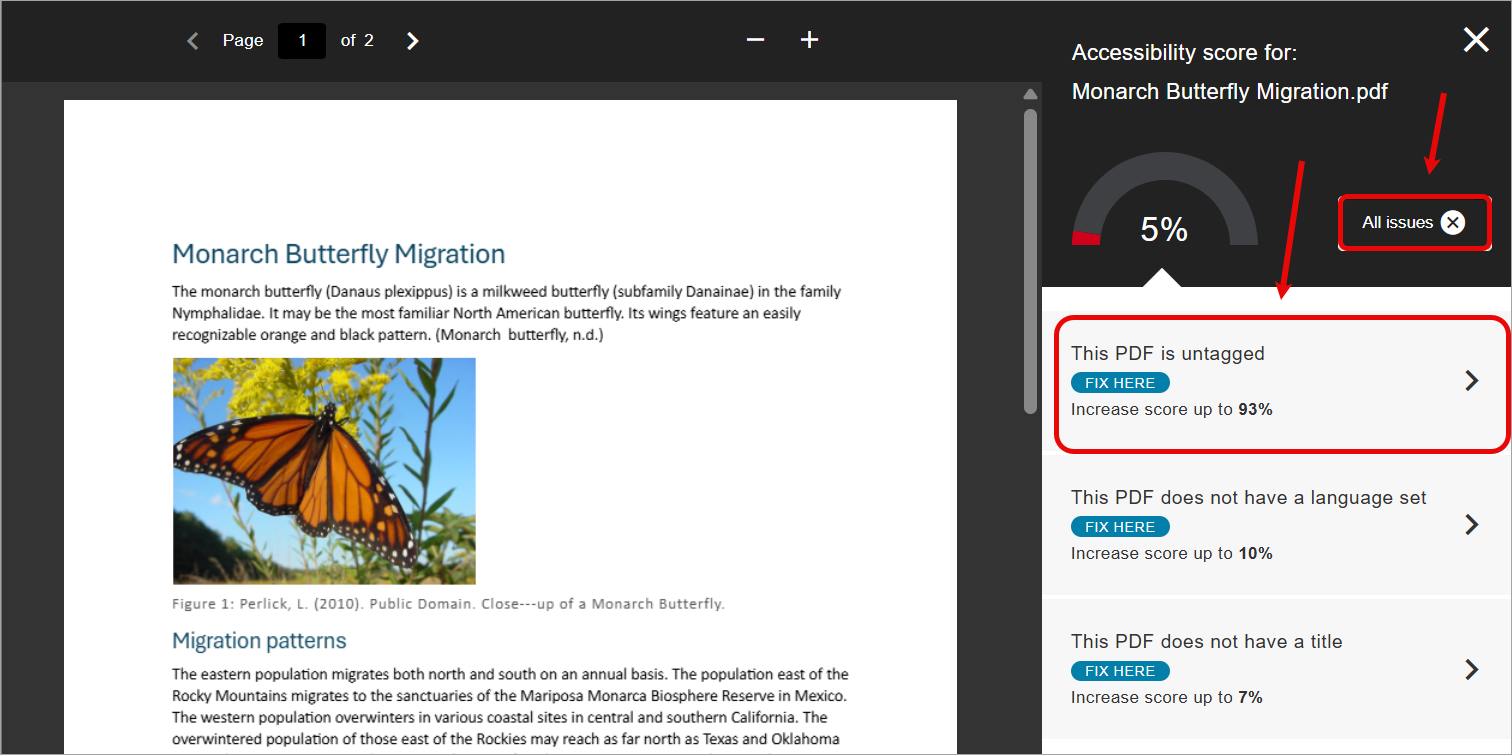
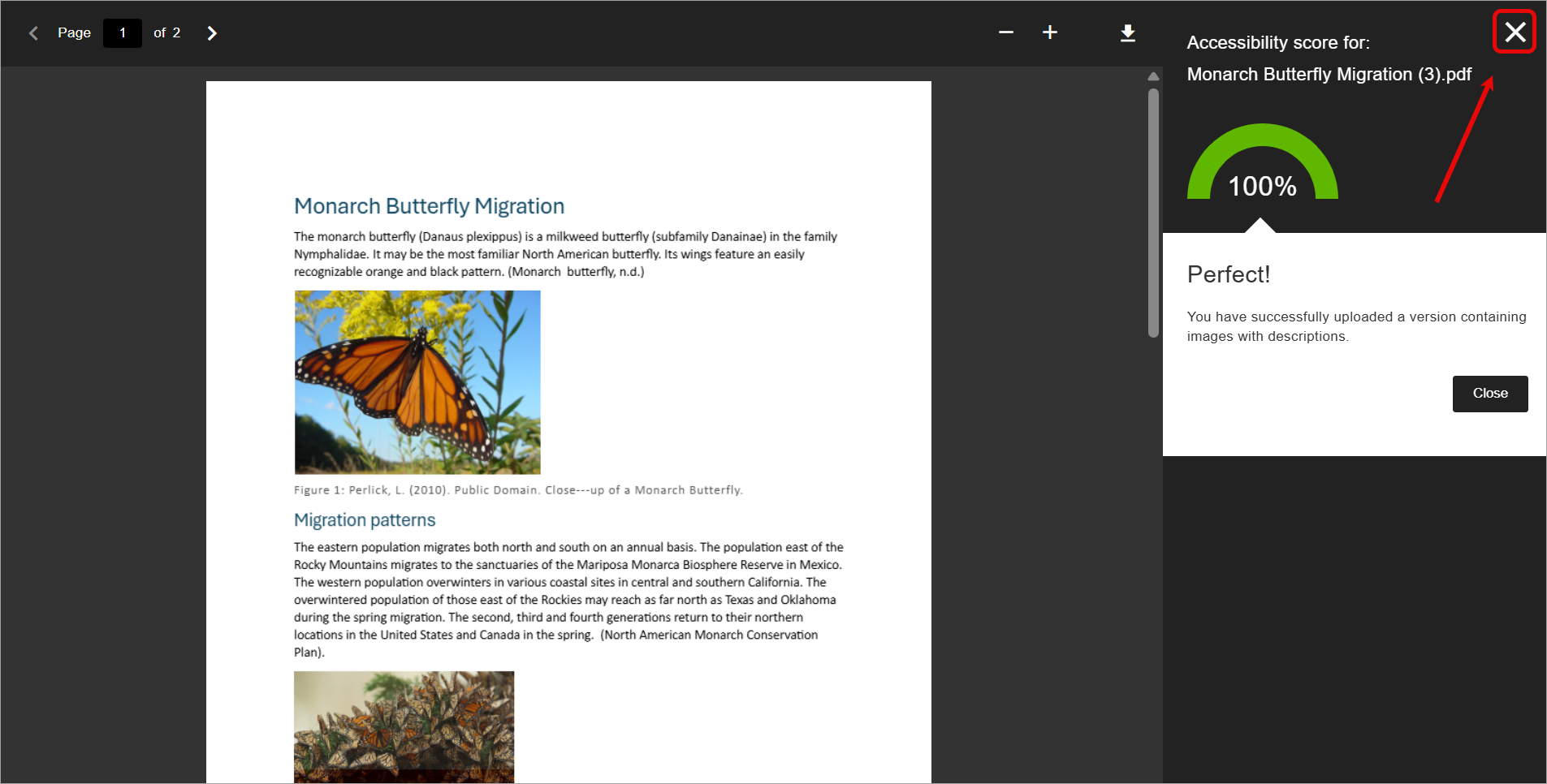
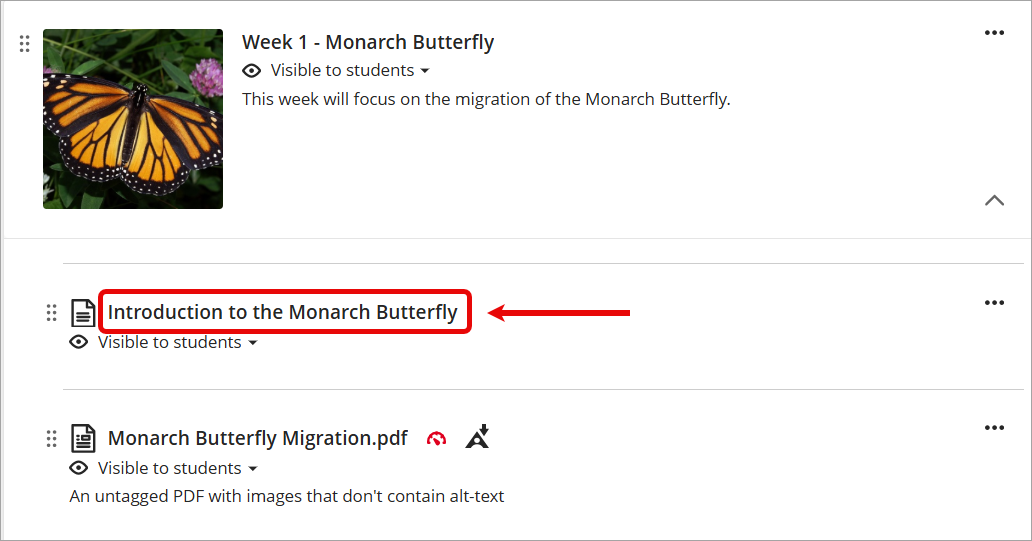
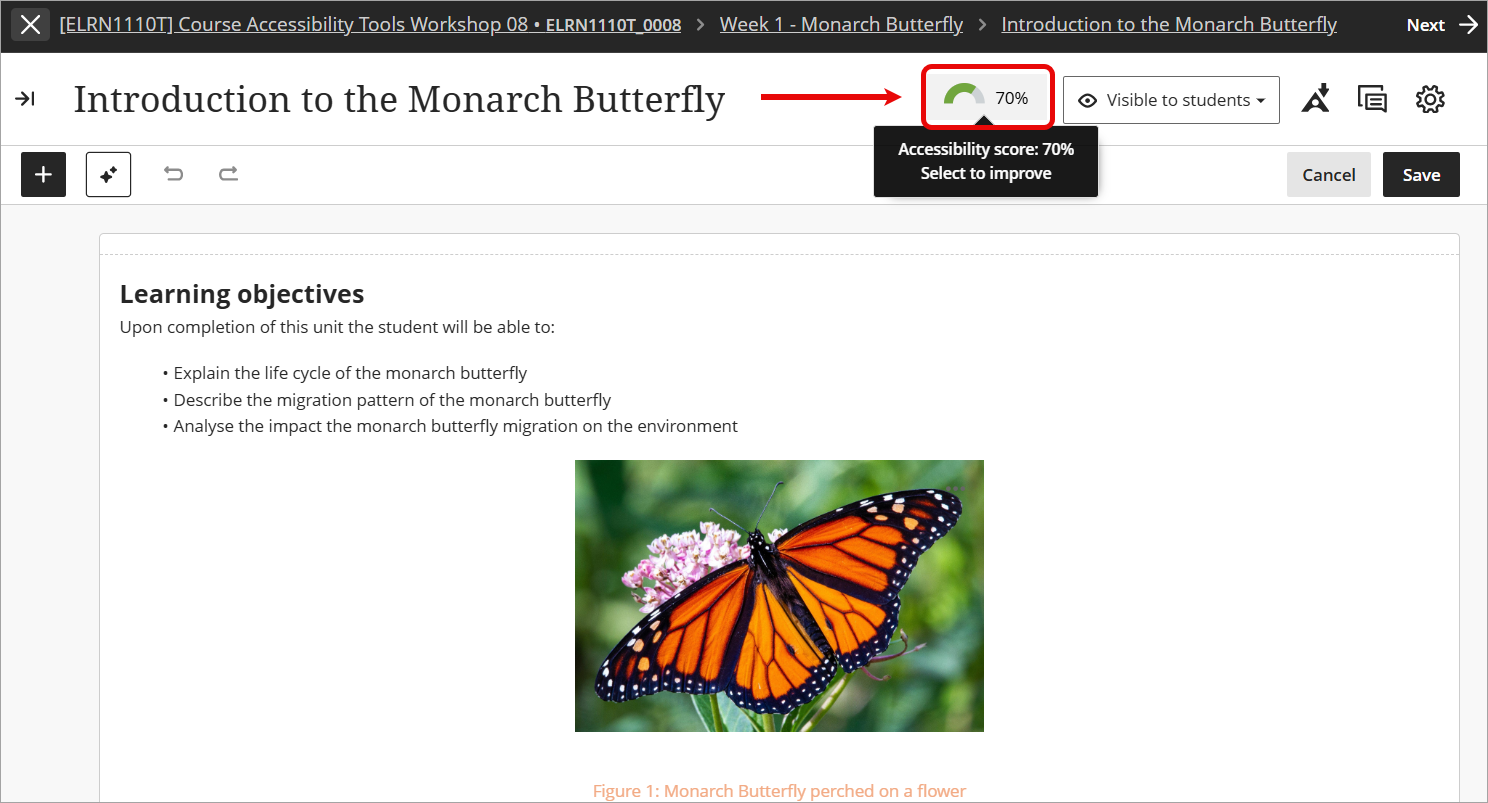
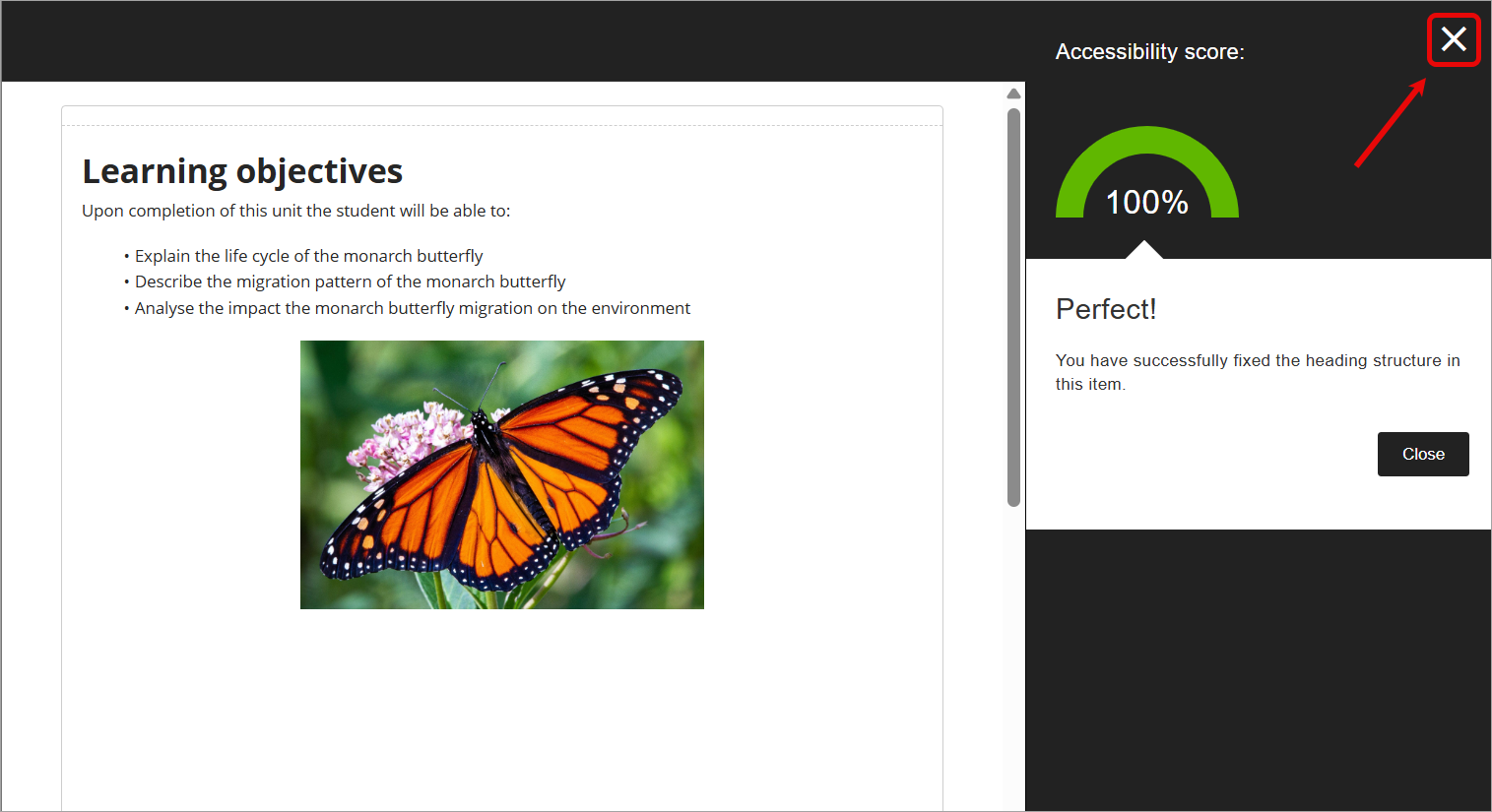
Course accessibility tools scan new and existing course content based on an accessibility checklist and assign an accessibility score ranging from "Low" to "Perfect". For more information, refer to the Accessibility Scores guide by Anthology.
Note: Students cannot see the accessibility score for course content, this is only visible to staff.
Only the following file types can be scanned for accessibility:
- PDF files
- Microsoft® Word files
- Microsoft® PowerPoint® files
- OpenOffice/LibreOffice files
- Uploaded HTML files
- Image files (JPG, JPEG, GIF, PNG, BMP, TIFF)
- Content within Ultra documents (including YouTube videos)
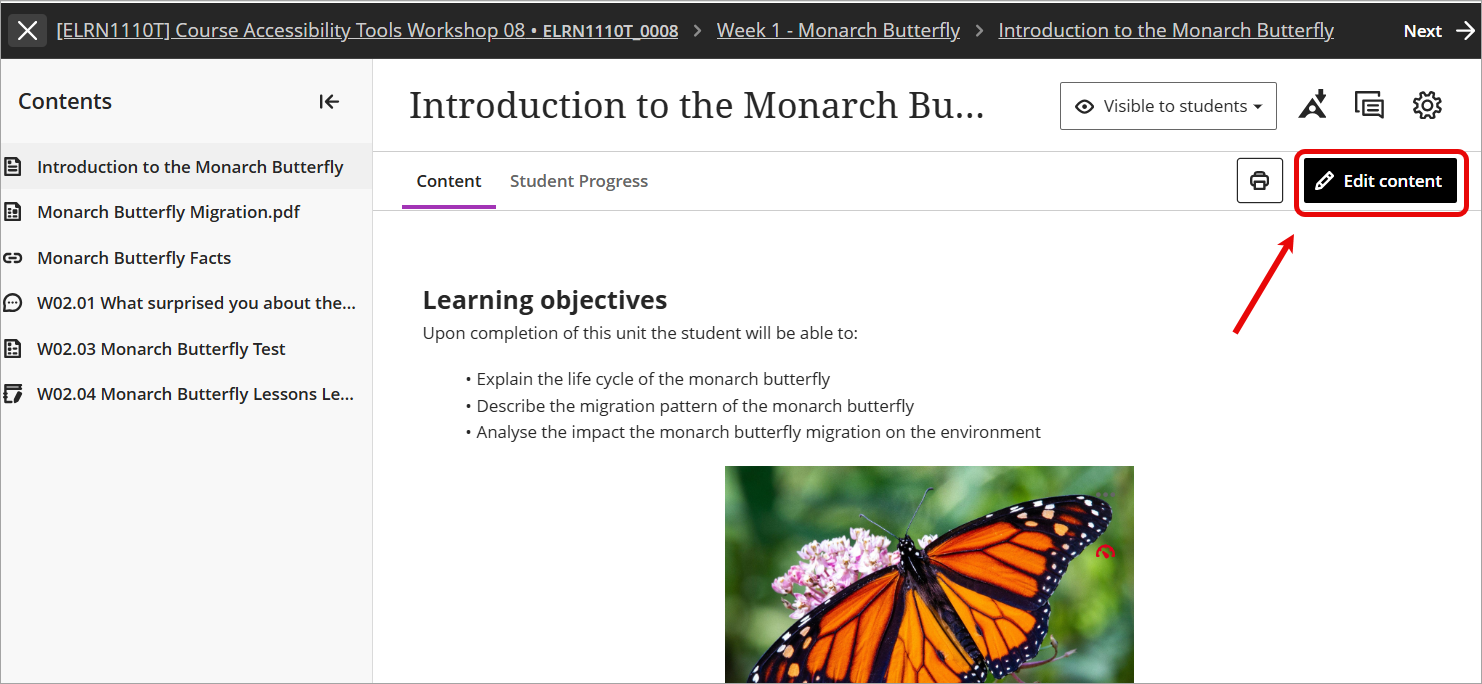
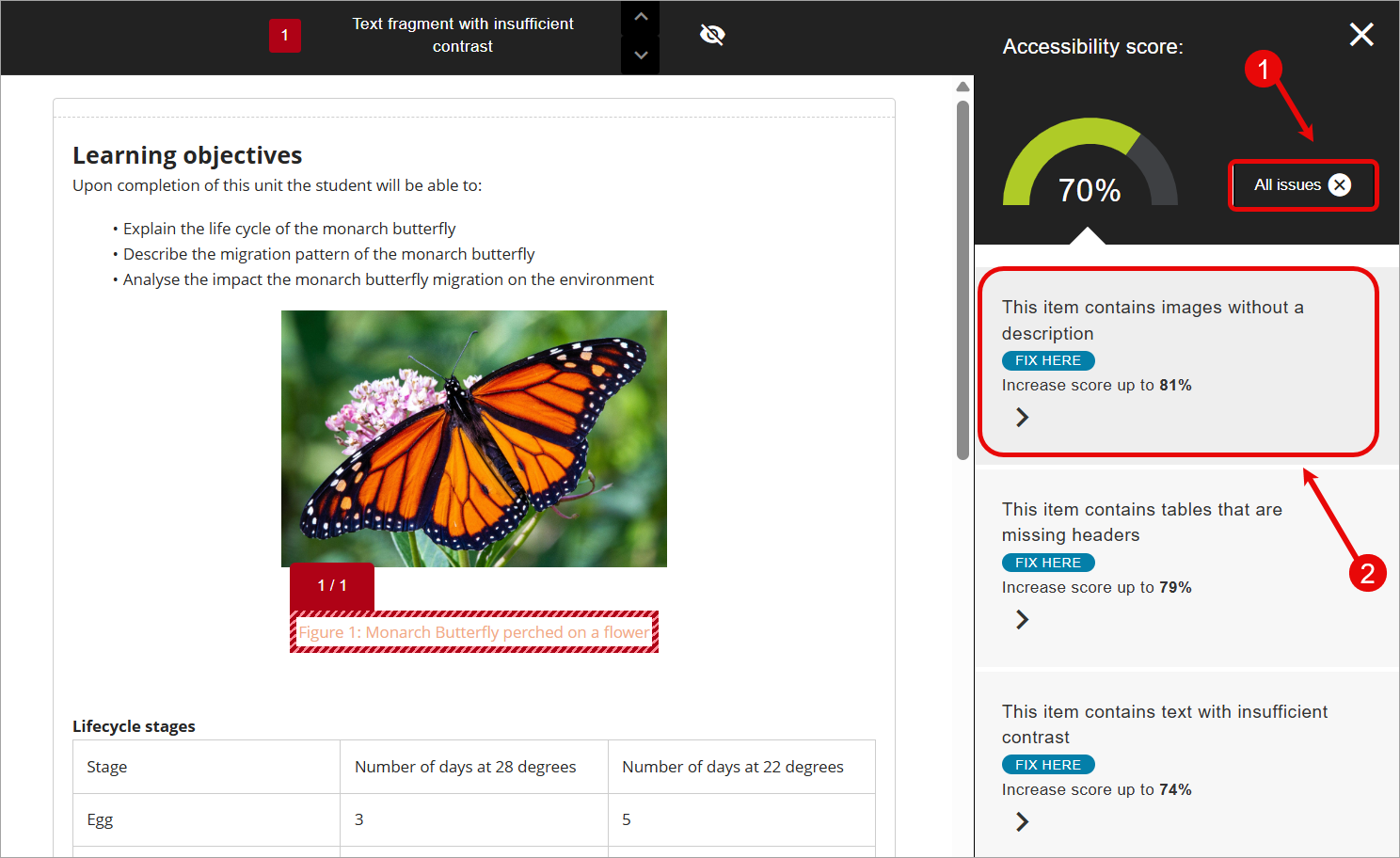
You are then able to review the assigned accessibility score and view the full list of accessibility issues that were identified. Course accessibility tools will provide detailed guidance for instructors on how to address the identified issues. For more information, refer to the Improve Content Accessibility guide by Anthology.