Microsoft Bookings (Ultra student)
Microsoft Bookings is an online scheduling tool that allows students to book appointments with their course teaching staff at a time that suits them.
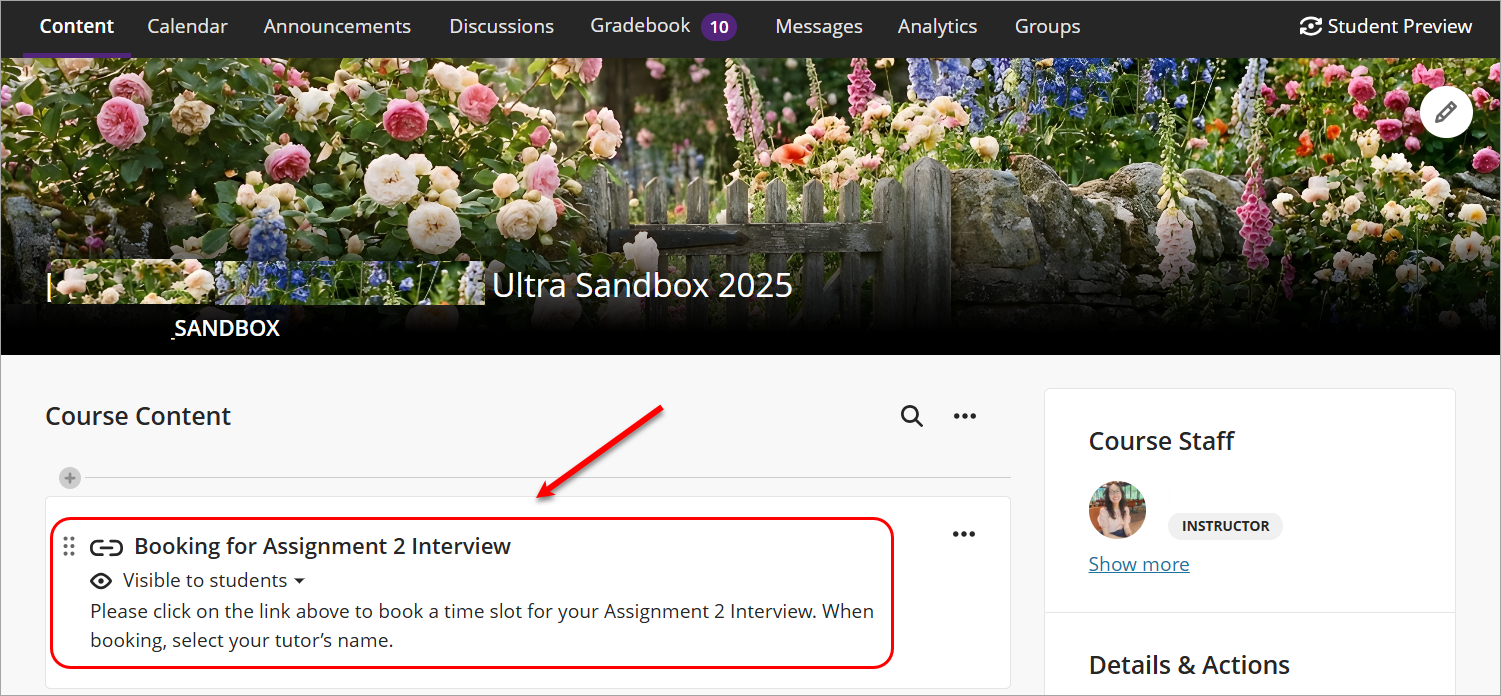
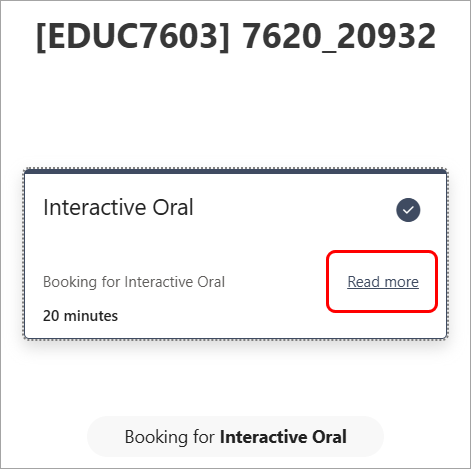
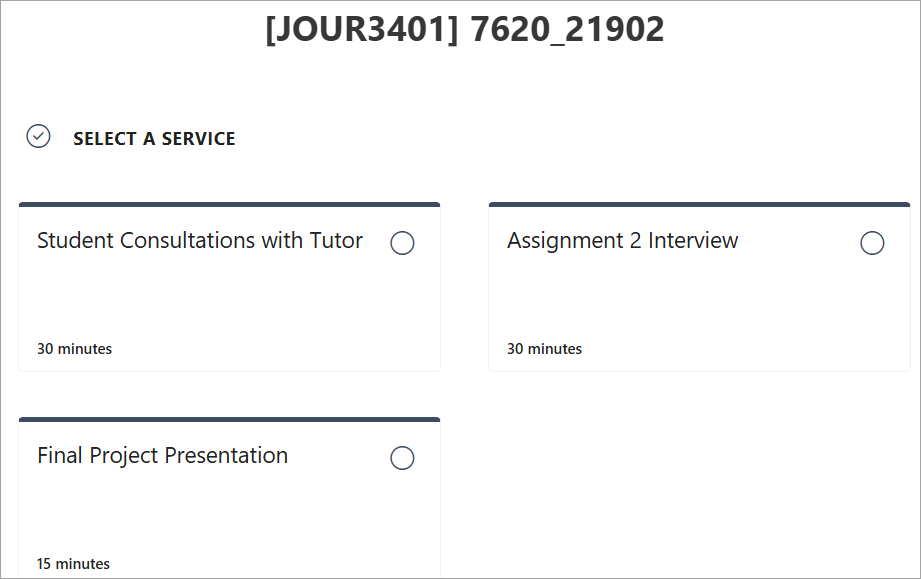
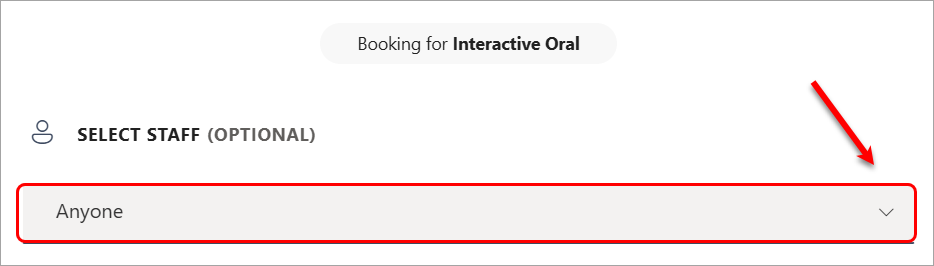
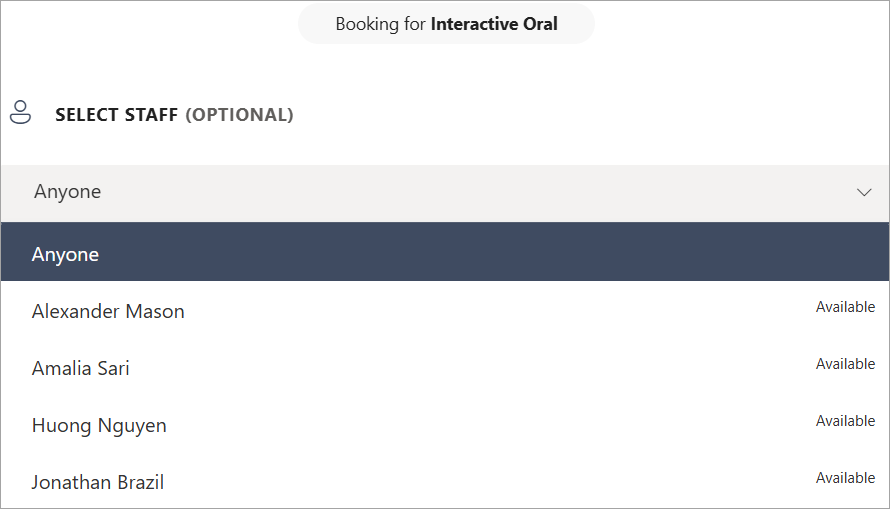
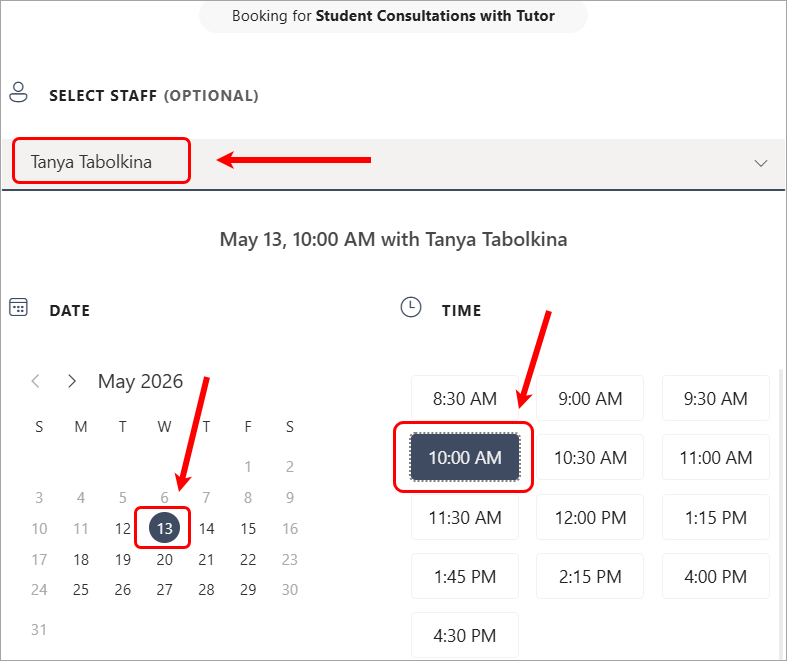
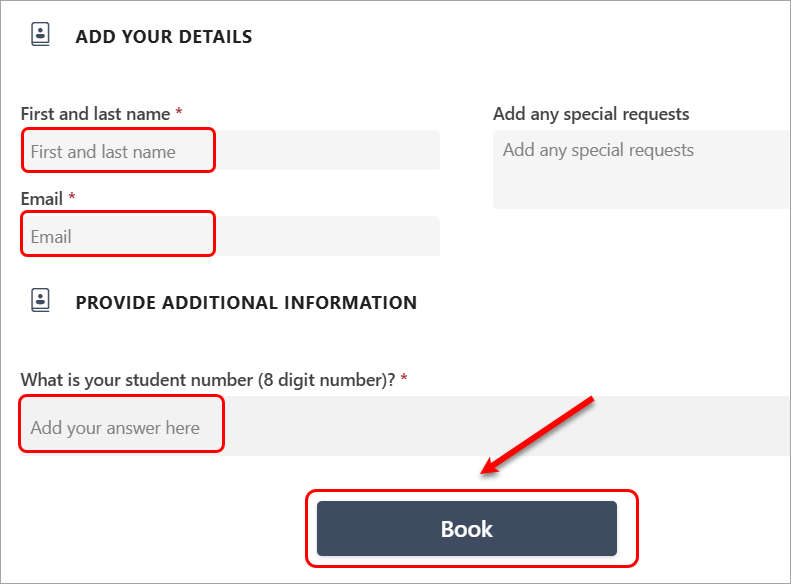
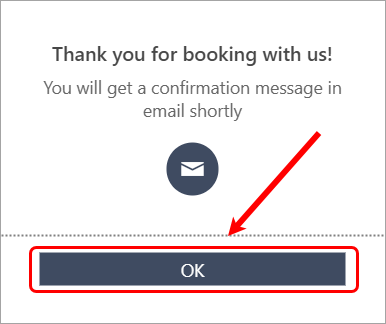
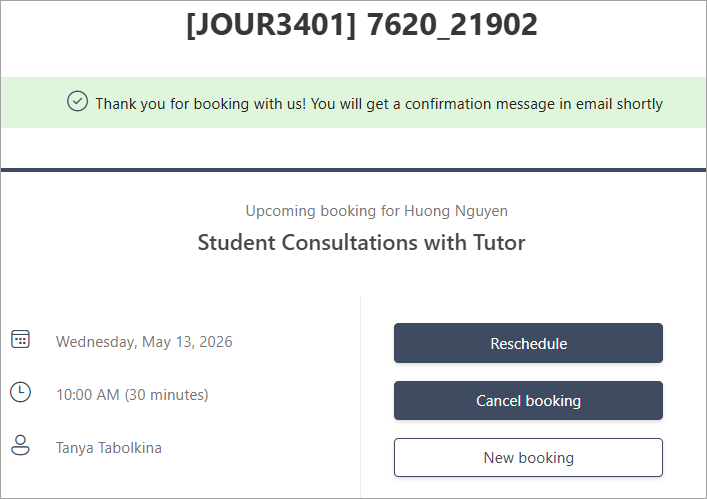
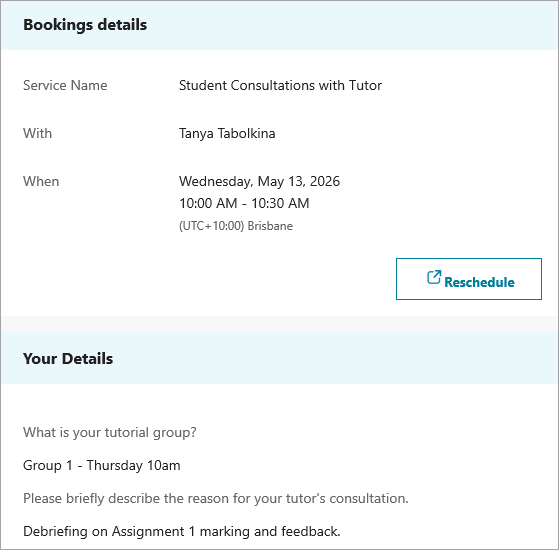
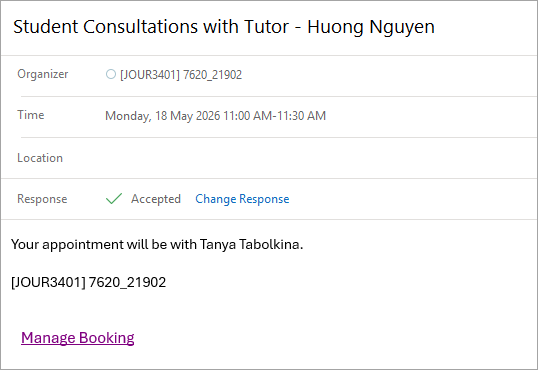
After receiving a booking link from your teaching staff, you can access the course booking page to view available time slots, select the relevant service (such as a consultation or interview), and confirm your appointment. Once your booking is confirmed, you will receive a confirmation email and a calendar invitation with all the meeting details.
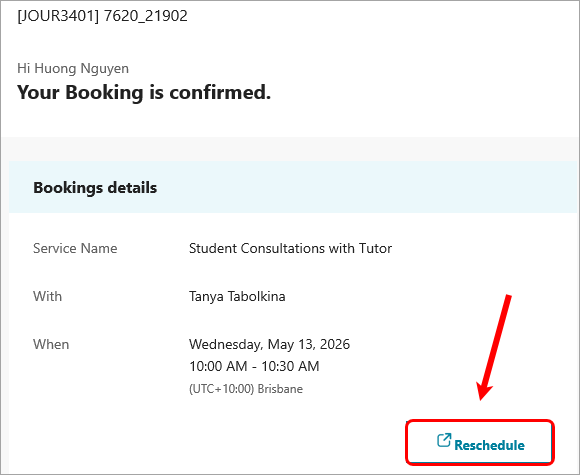
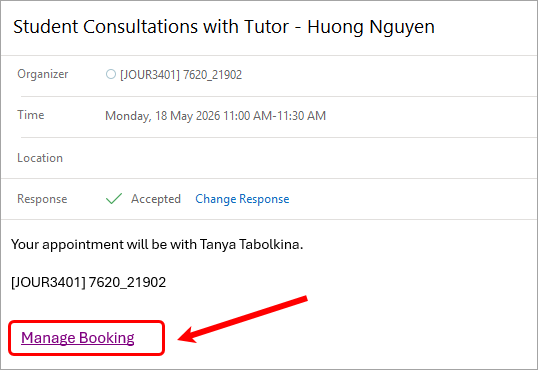
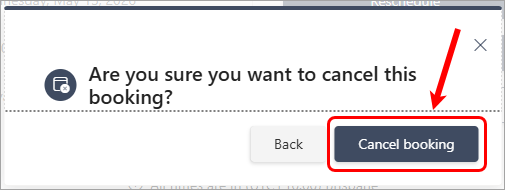
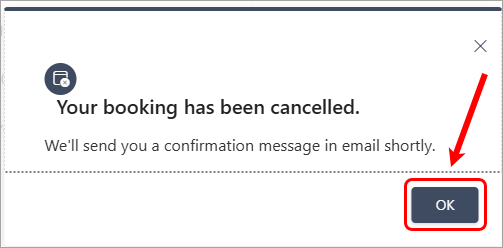
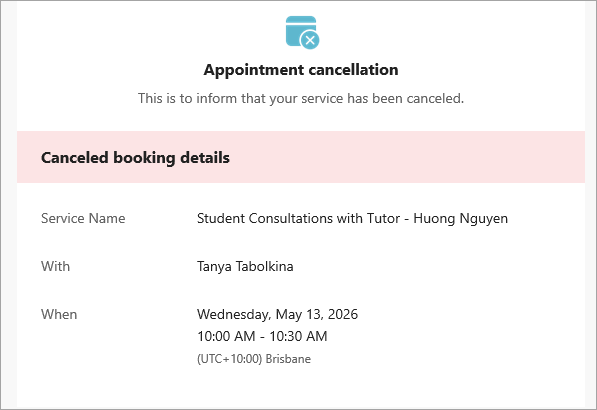
If your plans change, you can use the link in the confirmation email to reschedule or cancel your booking.
Student UQ Email Address – Important
Please ensure you use your UQ student email address when making bookings. Accepted formats include:
Note: Availability update delay
The booking system may take approximately 4–5 minutes to update availability. This means a time slot might still appear as available, even though another student has just booked it. If you are unable to select a slot, it may no longer be available. If this happens, please refresh the booking page and choose another suitable time.